DTF printing
Preparing DTF Artwork for Clean Edges and Repeat Orders
Does a sharp screen preview guarantee a sharp transfer?
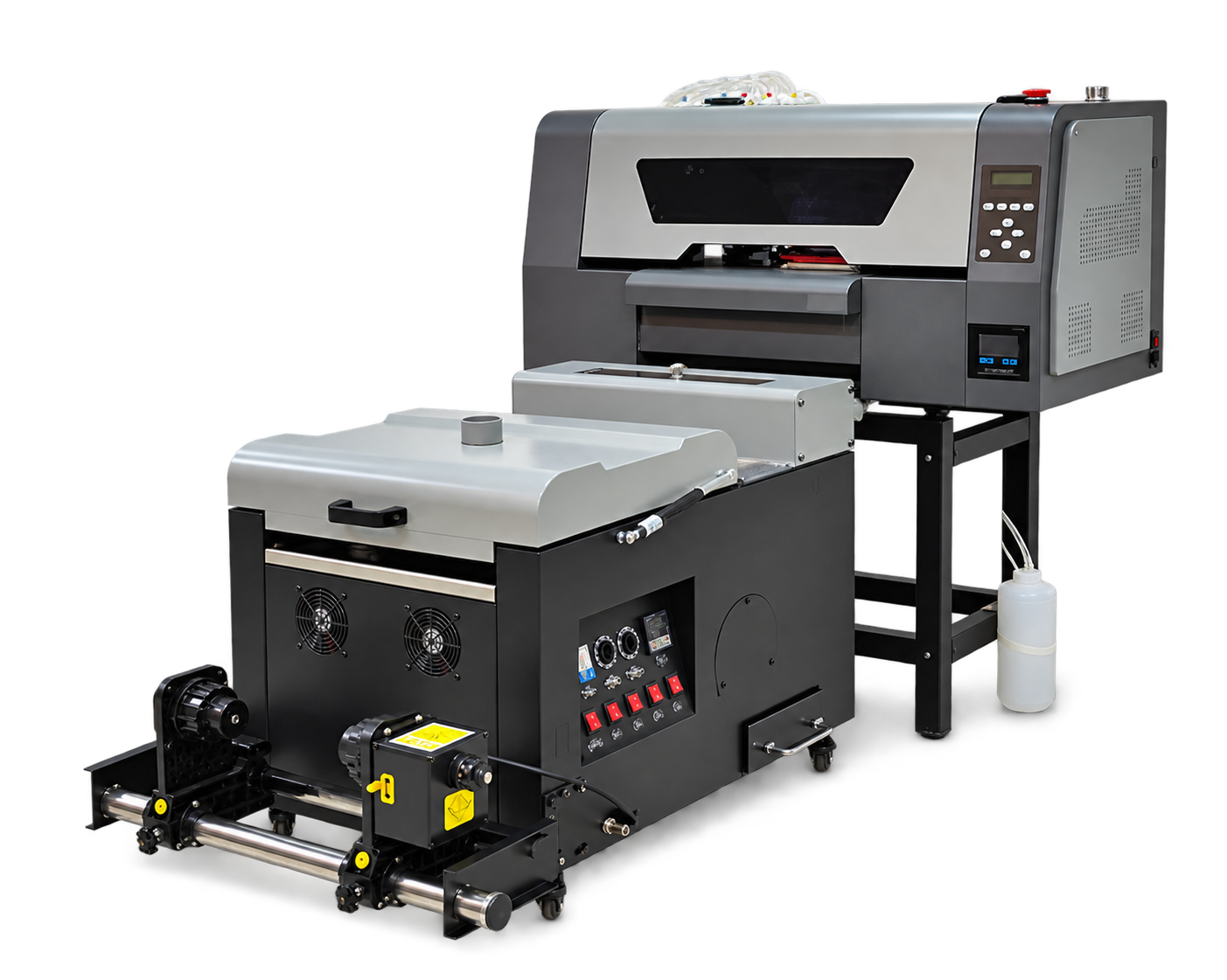
Prepare DTF artwork at its intended print dimensions and review transparency, fine detail and underbase behavior before production. Keep an approved output file separate from editable originals.
Check the production file Confirm dimensions, spelling, transparent backgrounds and any customer-specified colors. Inspect the design at output size rather than judging it only on a zoomed screen. Identify thin strokes and partially transparent effects that may need a physical proof.
Make approval reproducible Record the artwork revision, RIP preset, print mode and consumable system used for the approved sample. Give the customer a clear description of size and placement. When the design changes, treat it as a new revision rather than overwriting the approved production record.