DTF printing
DTF White Underbase: Balancing Coverage and Detail
Should every artwork use the same white coverage?
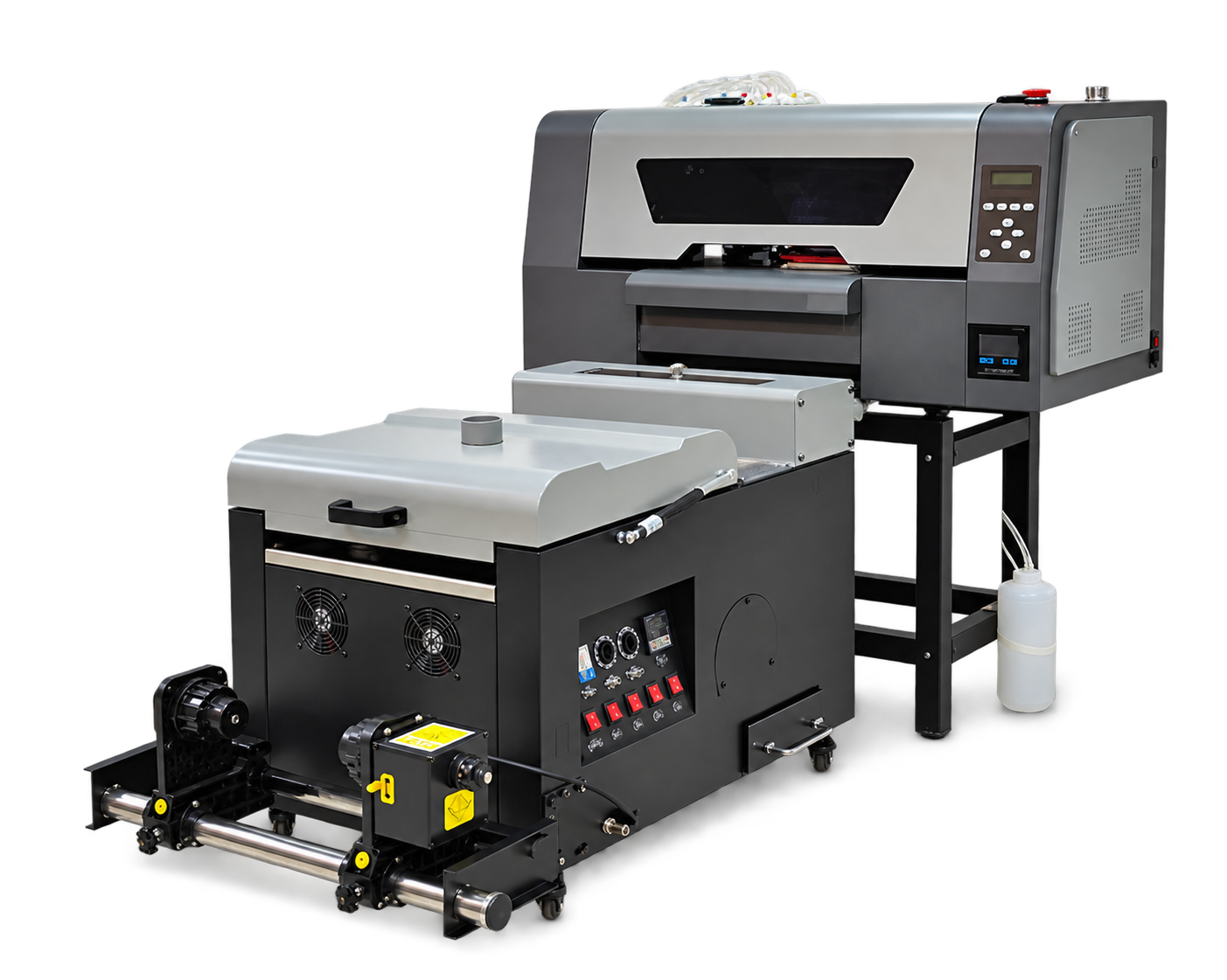
Approve the white underbase on the final garment, not just on film. The right setup should preserve artwork edges while providing the intended color appearance.
Use artwork that reveals problems Build a trial sheet containing fine lettering, isolated shapes, gradients and solid color areas. Inspect alignment between color and white layers. Where the RIP supports underbase adjustment, keep a record of the chosen setting and avoid changing several controls at once.
Evaluate on the destination fabric Press the approved sheet on the actual garment color and fabric. Compare opacity, feel and edge appearance under consistent viewing conditions. Save the file and RIP preset together so a repeat order does not rely on memory.