UV printing
Using White Ink on Clear Materials in UV Printing
Can a clear-material print be judged on a white desk?
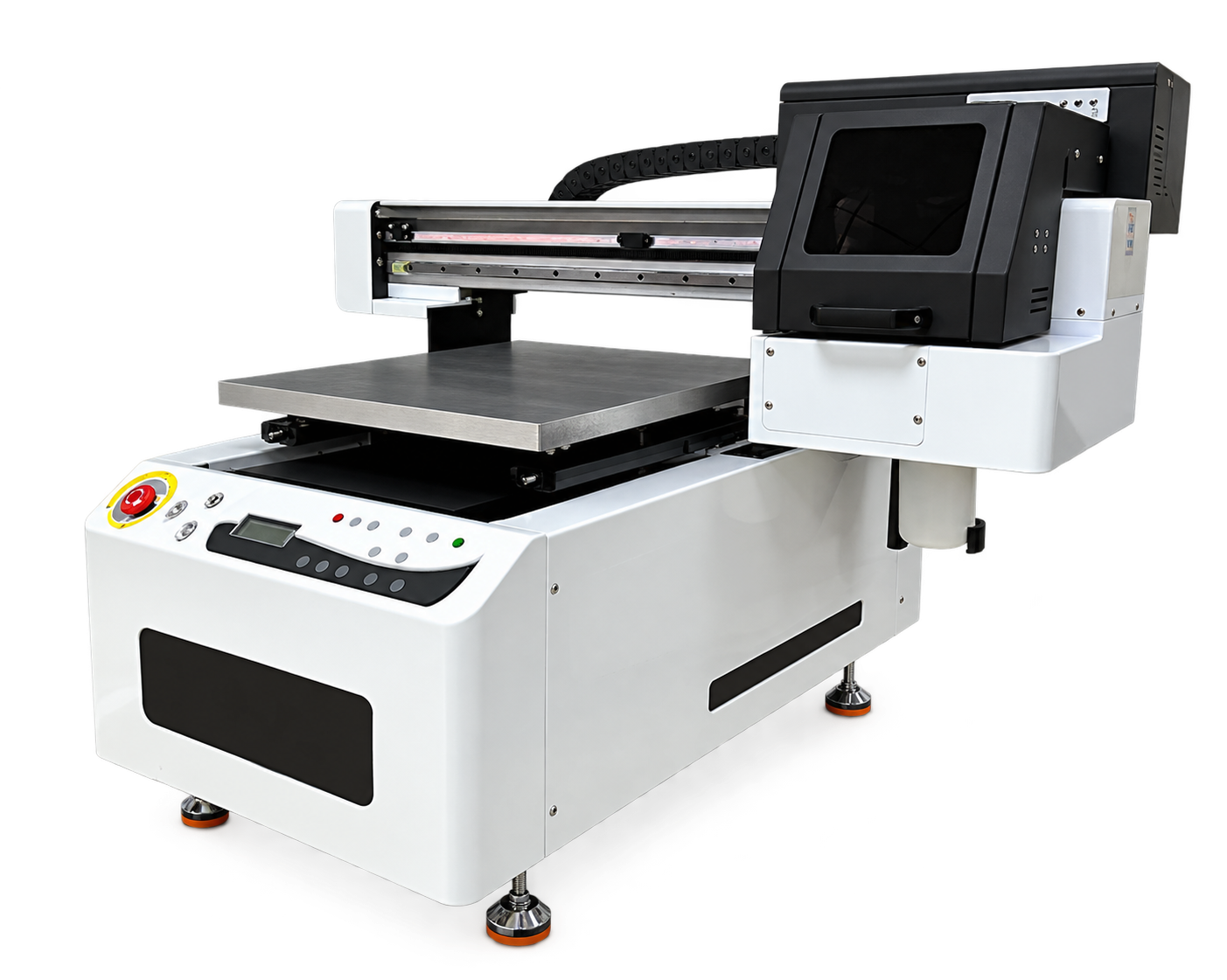
Specify viewing direction, transparency and layer order before printing white on clear materials. The approved sample should be viewed in the same orientation as the finished product.
Define how the object will be seen A clear panel may be viewed through the material or from the printed side. State whether a design needs opaque areas, transparent windows or double-sided viewing. Prepare artwork and layer instructions that make these choices explicit.
Approve color and registration Print a test with fine detail, white edges and large color areas. Examine alignment and apparent color with the intended background and lighting. Save the layer recipe with the job file so a later repeat does not reverse the design or change opacity.