Color & workflow
Tracking Ink, Film and Media Batches in a Print Shop
Link material batches to production jobs so defects and changes can be investigated. A simple traceability record is more useful than an unlabelled shelf of samples.
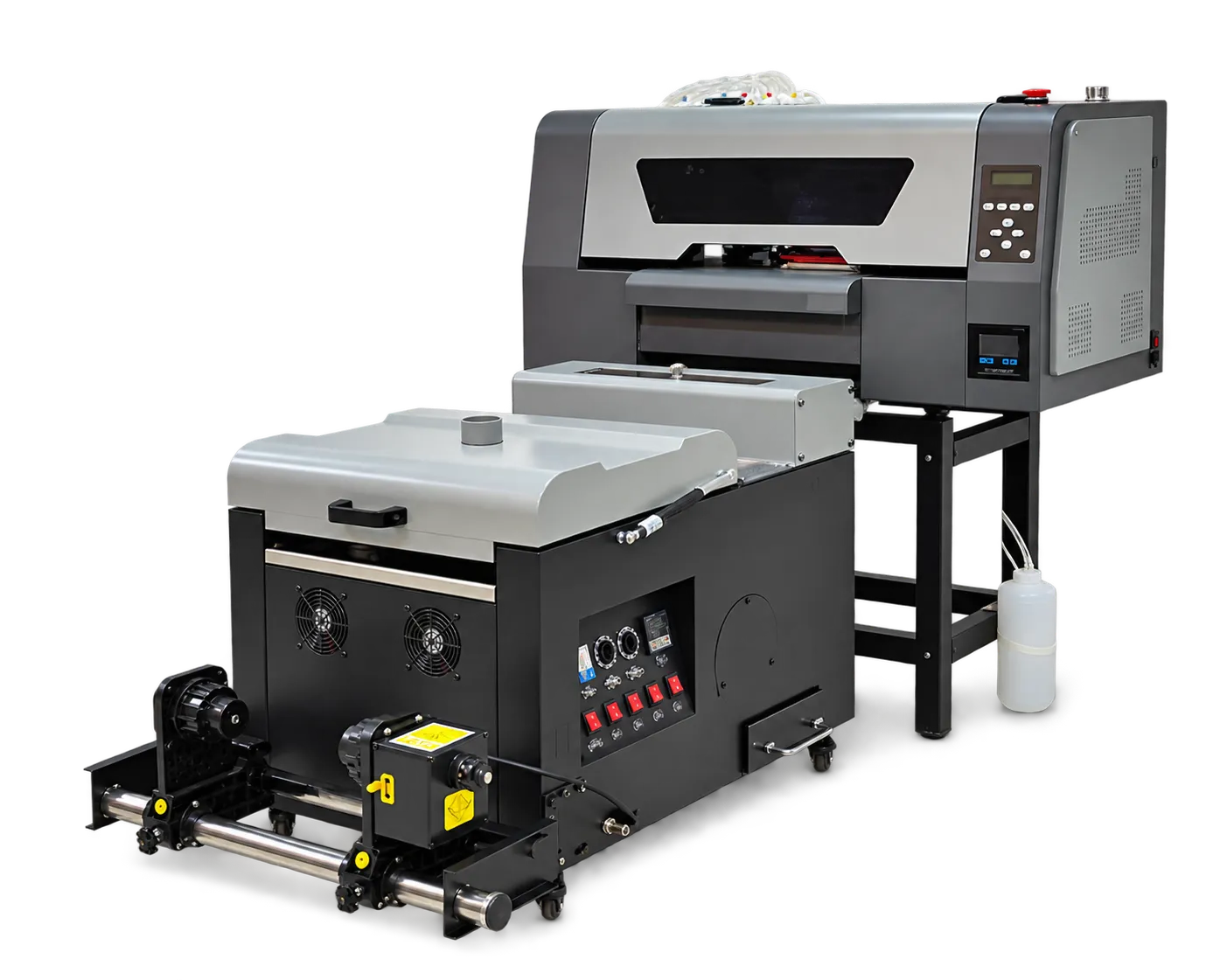
Capture the handoff
Record ink, film, powder or substrate identity when a new batch enters use. Link that information to the jobs produced during the period. Keep storage and handling instructions with the material record.
Review changes with evidence
When a result changes, compare batch identity alongside machine checks and saved settings. Do not blame a new material without a controlled comparison. Retain an approved reference and a failed sample when practical so support can assess the difference.
Production checklist
Use these checkpoints to prepare a trial or discuss the configuration with your supplier. Record the result for each item before approving a production change.
- Material identification
- Batch-to-job link
- Changeover date
- Reference and defect samples
Does traceability require expensive software?
Not necessarily. A consistent spreadsheet or job sheet can be effective if staff actually record changes and preserve sample identification.
Authoritative references and further reading
The following primary sources provide related background. Instructions from other manufacturers apply to their named systems and are not PrintVision settings, endorsements or certification claims.
- Fogra: digital printing process control ↗
Independent background on objective evaluation and process reliability; not a claim that PrintVision holds this certification.
Discuss your application with our factory team.
Share your material, artwork size, order mix and target output so we can review a suitable configuration.
Explore related equipmentContact PrintVision