Color & workflow
How to Keep a Useful Printhead Nozzle-Check Log
Keep nozzle checks dated and linked to the machine, operator and maintenance action. A consistent log makes changes easier to identify and discuss with support.
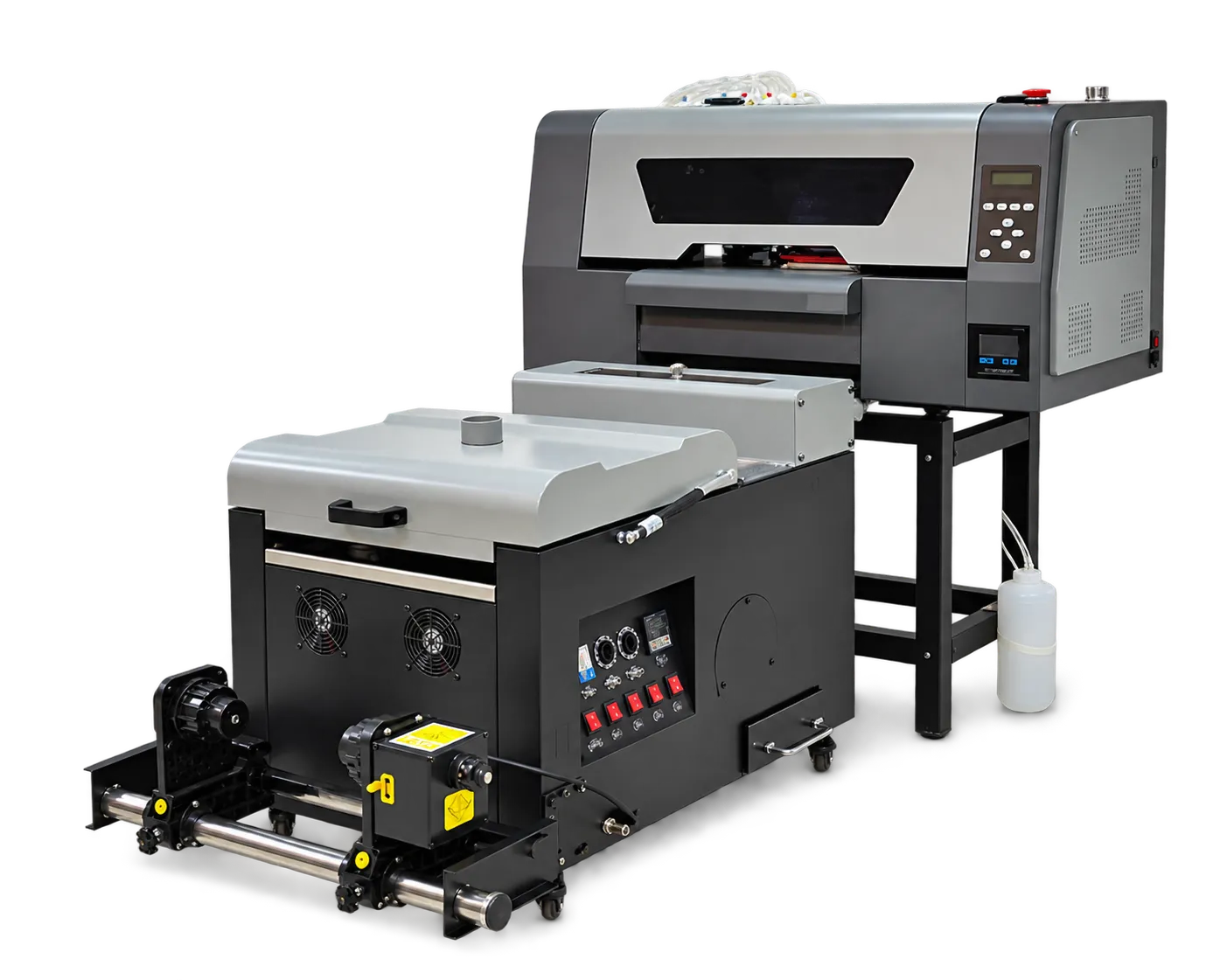
Use the machine’s own pattern
Run the prescribed check and preserve a clear scan or photograph. Label the machine and relevant consumable changes. Avoid substituting a customer image for the diagnostic pattern when discussing a nozzle issue.
Record action and outcome
Note the manufacturer-approved response and retain the next check for comparison. If the condition persists, send the sequence to technical support. The log should help diagnosis, not encourage a fixed number of cleaning cycles independent of the results.
Production checklist
Use these checkpoints to prepare a trial or discuss the configuration with your supplier. Record the result for each item before approving a production change.
- Date and machine identification
- Readable check pattern
- Approved maintenance action
- Post-action comparison
Is a photograph of the finished design enough for support?
It helps, but the specified nozzle pattern and setup information usually make the report much more useful.
Authoritative references and further reading
The following primary sources provide related background. Instructions from other manufacturers apply to their named systems and are not PrintVision settings, endorsements or certification claims.
- Epson: maintenance menu and nozzle checks ↗
Reference for nozzle-check terminology and maintenance functions on the named Epson model.
Discuss your application with our factory team.
Share your material, artwork size, order mix and target output so we can review a suitable configuration.
Explore related equipmentContact PrintVision