DTG printing
DTG Curing: How to Build a Reliable Approval Record
Use the ink and garment system’s finishing instructions and verify the finished garment. A curing record should identify the method, settings and evaluation outcome.
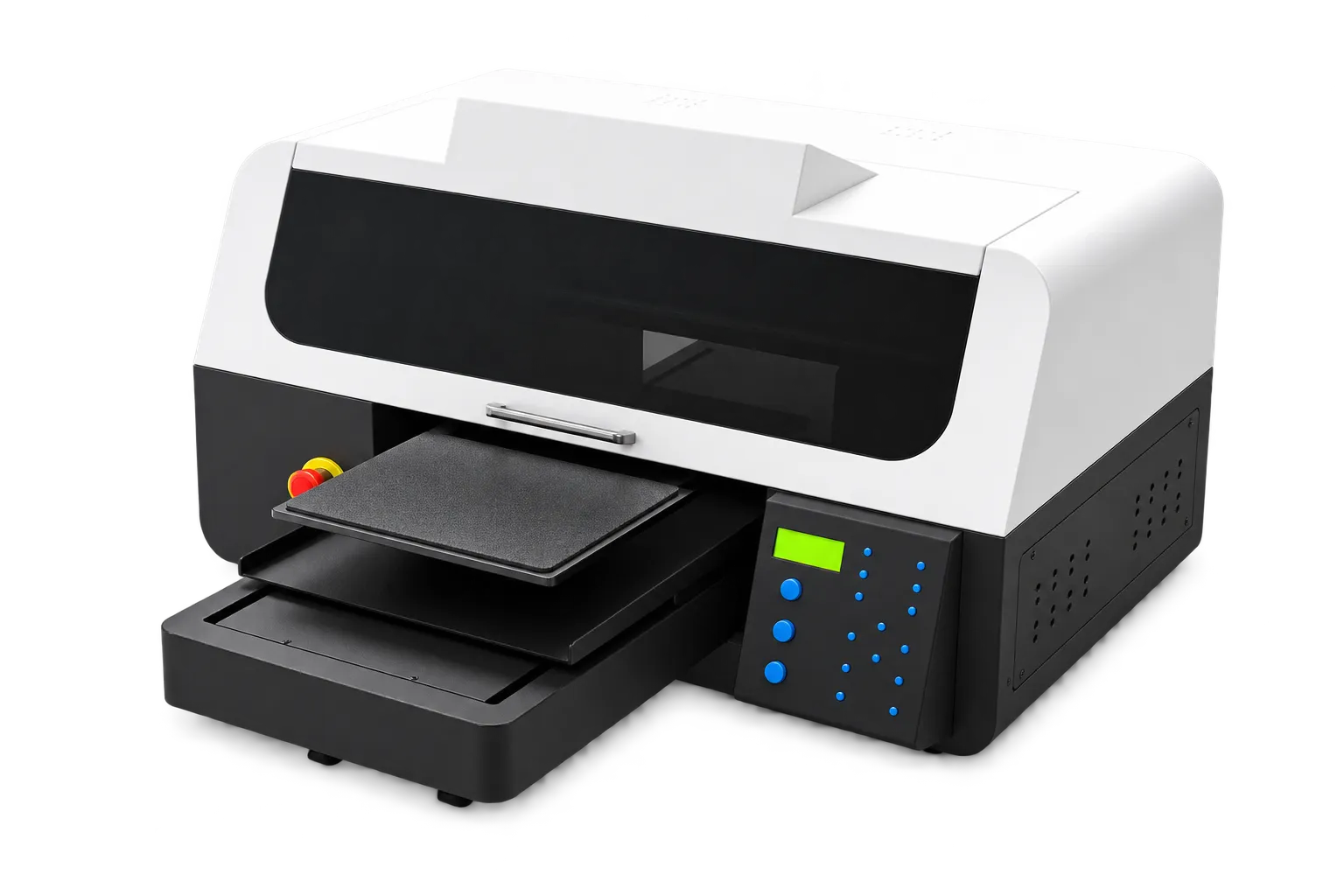
Record the full system
Identify the garment, pretreatment, ink and print preset before evaluating the finishing stage. Confirm the approved equipment and handling instructions. Keep trial conditions stable so a failed garment can be compared with a known good sample.
Inspect beyond immediate appearance
Assess the garment after the stated finishing and cooling procedure, then perform the agreed care evaluation. Record visible changes instead of describing a result simply as good or bad. Repeat the approved setup before moving to a larger production run.
Production checklist
Use these checkpoints to prepare a trial or discuss the configuration with your supplier. Record the result for each item before approving a production change.
- System-specific instructions
- Finishing equipment identified
- Sample conditions recorded
- Care evaluation documented
Can DTF curing settings be reused for DTG garments?
Do not assume that. They are different workflows. Follow the instructions for the exact DTG ink, pretreatment, garment and finishing equipment.
Authoritative references and further reading
The following primary sources provide related background. Instructions from other manufacturers apply to their named systems and are not PrintVision settings, endorsements or certification claims.
- Epson SureColor F2270: official user guide ↗
A model-specific example of documented garment-printer workflows. Follow your own machine manual for settings.
Discuss your application with our factory team.
Share your material, artwork size, order mix and target output so we can review a suitable configuration.
Explore related equipmentContact PrintVision