DTG printing
A DTG Startup Routine Before the First Customer Order
Use the manufacturer’s startup procedure, inspect the nozzle-check result and confirm the first production sample before releasing customer work.
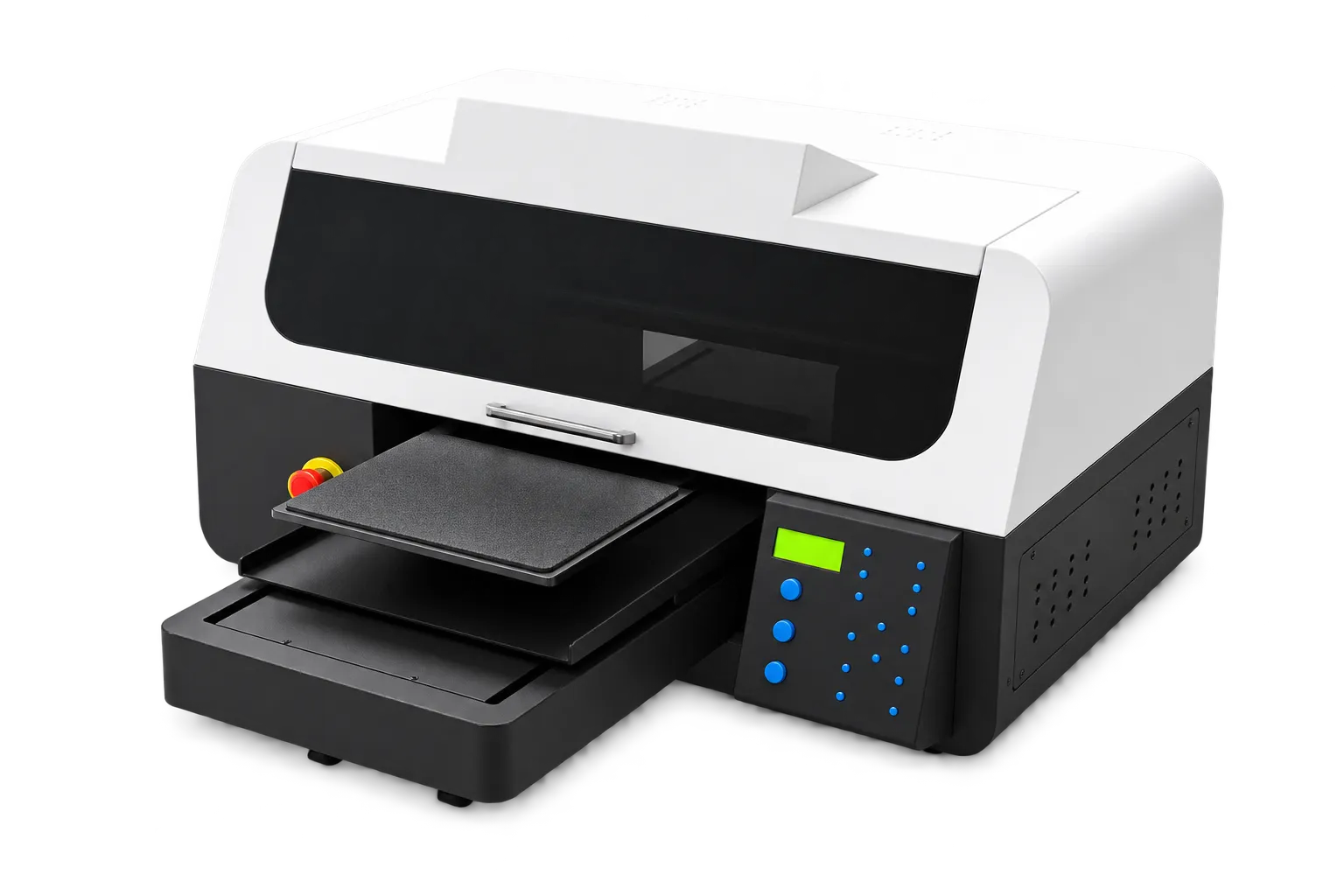
Make the first check traceable
Keep a dated startup record with the operator’s name and the check pattern. Compare the pattern with the machine’s instructions and perform only the prescribed response. Do not use repeated cleaning cycles as a substitute for diagnosis.
Confirm the production setup
Check the selected garment, platen and saved job preset. Run a sample where the order warrants it and keep evidence of the approved result. If an unusual defect appears, pause the affected work and record the condition before changing settings.
Production checklist
Use these checkpoints to prepare a trial or discuss the configuration with your supplier. Record the result for each item before approving a production change.
- Manufacturer startup instructions
- Nozzle-check record
- Correct platen and preset
- First sample confirmation
Should I clean the head repeatedly every morning?
Follow the machine’s actual instructions and check results. Unnecessary repeated cleaning is not a universal startup requirement.
Authoritative references and further reading
The following primary sources provide related background. Instructions from other manufacturers apply to their named systems and are not PrintVision settings, endorsements or certification claims.
- Epson: maintenance menu and nozzle checks ↗
Reference for nozzle-check terminology and maintenance functions on the named Epson model.
Discuss your application with our factory team.
Share your material, artwork size, order mix and target output so we can review a suitable configuration.
Explore related equipmentContact PrintVision