DTG printing
DTG Platen Loading for Consistent Print Placement
Standardize garment orientation and positioning on the supported platen. Repeated loading trials are more useful than a single perfectly aligned demonstration.
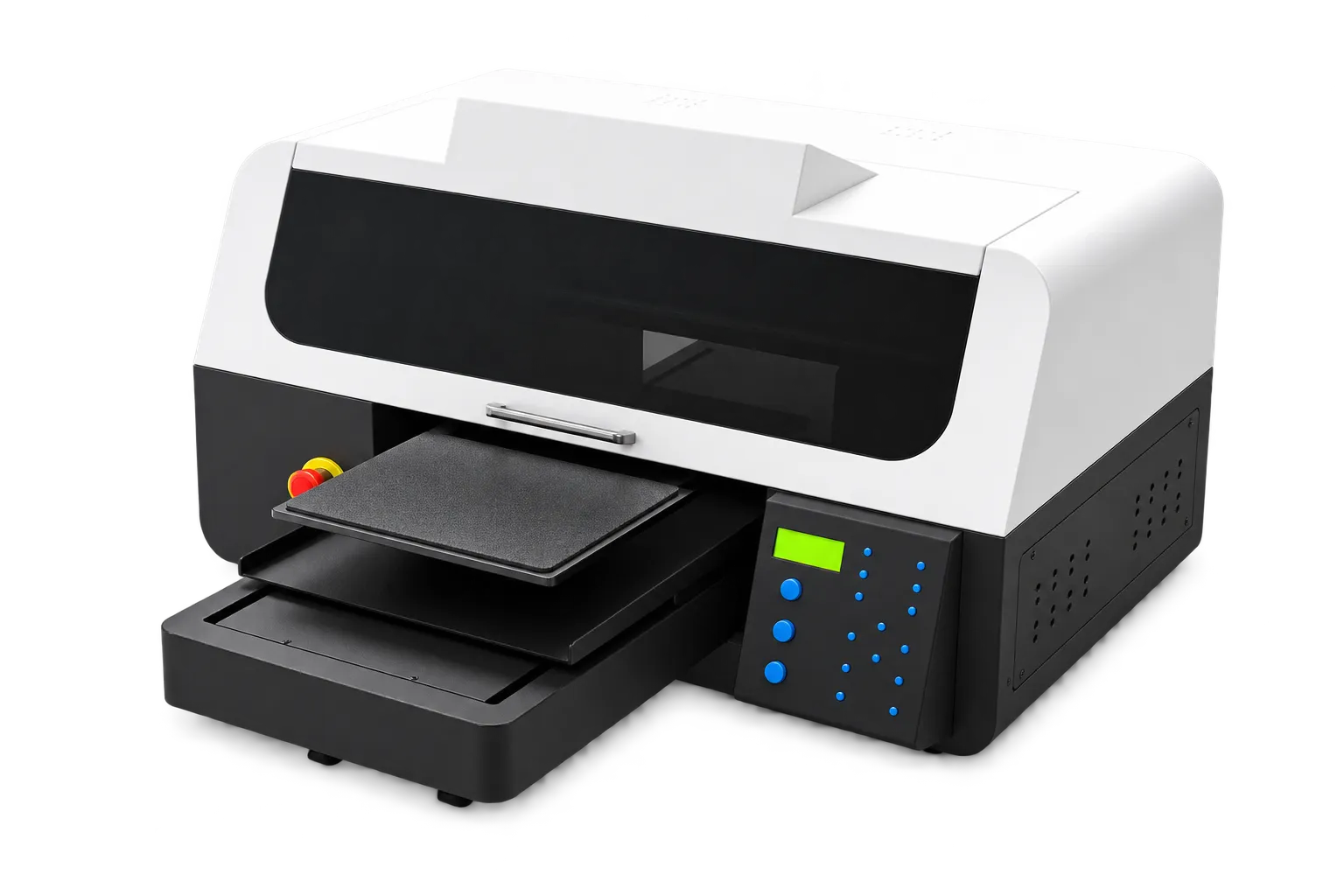
Define the placement reference
Specify the print location relative to consistent garment features and check size variation. Choose a platen suited to the print area and garment shape. Follow the machine instructions for working clearance and securing fabric.
Observe several operators
Have operators repeat loading and unloading with representative garments. Check wrinkles, accidental contact and position variation. Keep a simple placement guide near the station, and separate unusual garments that need their own handling instructions.
Production checklist
Use these checkpoints to prepare a trial or discuss the configuration with your supplier. Record the result for each item before approving a production change.
- Placement reference agreed
- Correct supported platen
- Loading repetitions assessed
- Operator guide available
Will the same loading method work for every garment size?
Not necessarily. Size, seams and garment construction can change the setup. Validate the usable print area and loading method for each relevant group.
Authoritative references and further reading
The following primary sources provide related background. Instructions from other manufacturers apply to their named systems and are not PrintVision settings, endorsements or certification claims.
- Epson SureColor F2270: official user guide ↗
A model-specific example of documented garment-printer workflows. Follow your own machine manual for settings.
Discuss your application with our factory team.
Share your material, artwork size, order mix and target output so we can review a suitable configuration.
Explore related equipmentContact PrintVision