Factory sourcing
Comparing Printer Throughput Using Saleable Output
Compare machines using accepted output from the same job and quality requirement. Headline speed is not a complete measure of production capacity.
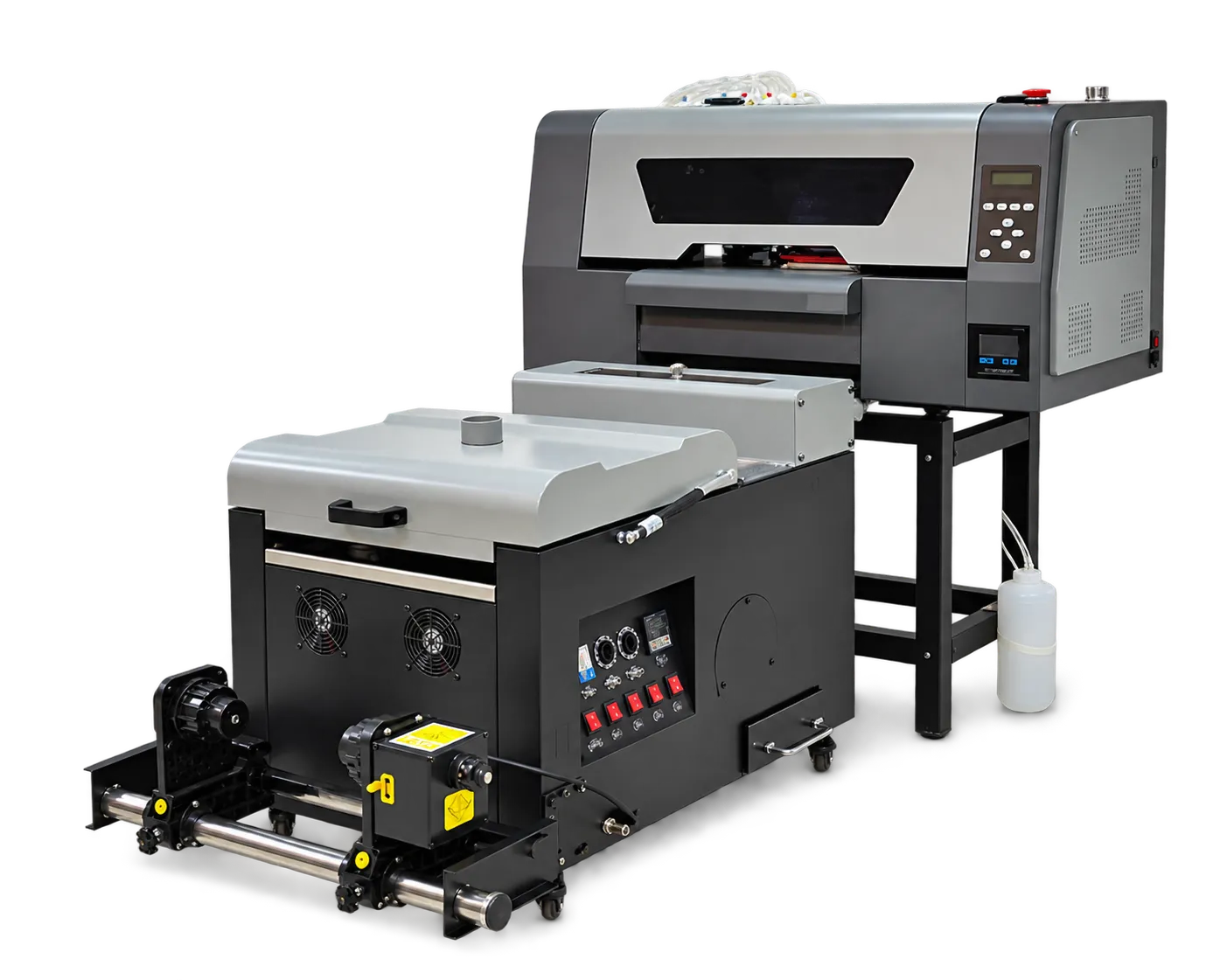
Specify one comparison job
Send identical artwork, dimensions and materials to each supplier. State the finish and inspection criteria. Ask which print mode and ink configuration were used so unlike demonstrations are not treated as equivalent.
Include the full cycle
Measure setup, loading, printing, finishing and inspection. Note operator time and rejected pieces. Evaluate the configuration that delivers the promised quality at a realistic daily schedule, including maintenance and changeovers.
Production checklist
Use these checkpoints to prepare a trial or discuss the configuration with your supplier. Record the result for each item before approving a production change.
- Identical artwork and materials
- Print mode disclosure
- Complete cycle timing
- Accepted output count
Can quoted square meters per hour predict my daily output?
Only partially. Order size, preparation, finishing, maintenance and rejected work can substantially change actual accepted output.
Authoritative references and further reading
The following primary sources provide related background. Instructions from other manufacturers apply to their named systems and are not PrintVision settings, endorsements or certification claims.
- Fogra: digital printing process control ↗
Independent background on objective evaluation and process reliability; not a claim that PrintVision holds this certification.
Discuss your application with our factory team.
Share your material, artwork size, order mix and target output so we can review a suitable configuration.
Explore related equipmentContact PrintVision