DTF printing
How to Choose the Right DTF Printer Width
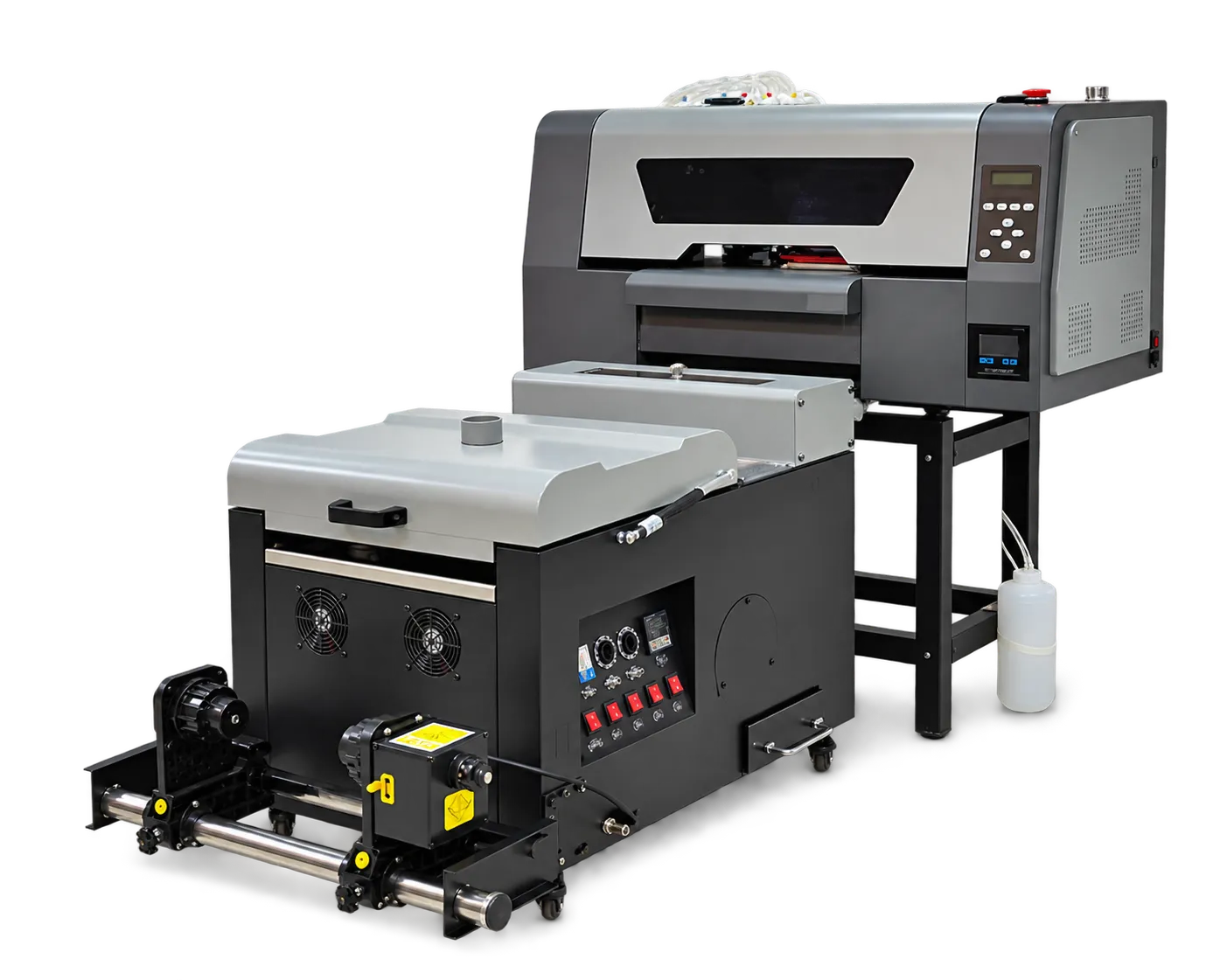
Choose DTF printer width around your actual artwork mix and finishing capacity. A wider machine only helps when orders, nesting and downstream handling can use the additional printable area.
Measure the jobs you sell
Collect a representative set of artwork, including chest logos, oversized backs and mixed-size transfers. Lay these out at the usable printing width rather than the nominal roll width. Compare nesting waste, spacing and cutting effort. A machine that fits one large design efficiently may waste film on your everyday small orders.
Compare complete production output
Ask for the same mixed-order file to be run on the candidate configurations. Record accepted transfers, elapsed time and operator interventions through powdering and curing. Include press capacity in the calculation. Select the smallest configuration that meets your demand and a realistic allowance for growth.
Production checklist
Use these checkpoints to prepare a trial or discuss the configuration with your supplier. Record the result for each item before approving a production change.
- Usable print width and media margins
- Typical artwork dimensions and nesting yield
- Shaker, curing and heat-press capacity
- Space for roll changes and servicing
Does a wider DTF printer always cost less per transfer?
No. Compare film waste, accepted output, labor and utilization. Extra width that remains unused can increase material and operating costs without improving delivery time.
Authoritative references and further reading
The following primary sources provide related background. Instructions from other manufacturers apply to their named systems and are not PrintVision settings, endorsements or certification claims.
- Epson: DTG and DTFilm printing applications ↗
Manufacturer background on garment printing applications; not a PrintVision operating manual.
Discuss your application with our factory team.
Share your material, artwork size, order mix and target output so we can review a suitable configuration.
Explore related equipmentContact PrintVision