DTF printing
How to Match a DTF Printer and Powder Shaker
Match the shaker to film width, intended production speed and the curing requirements of the approved consumable system. Treat the printer and finishing unit as one line.
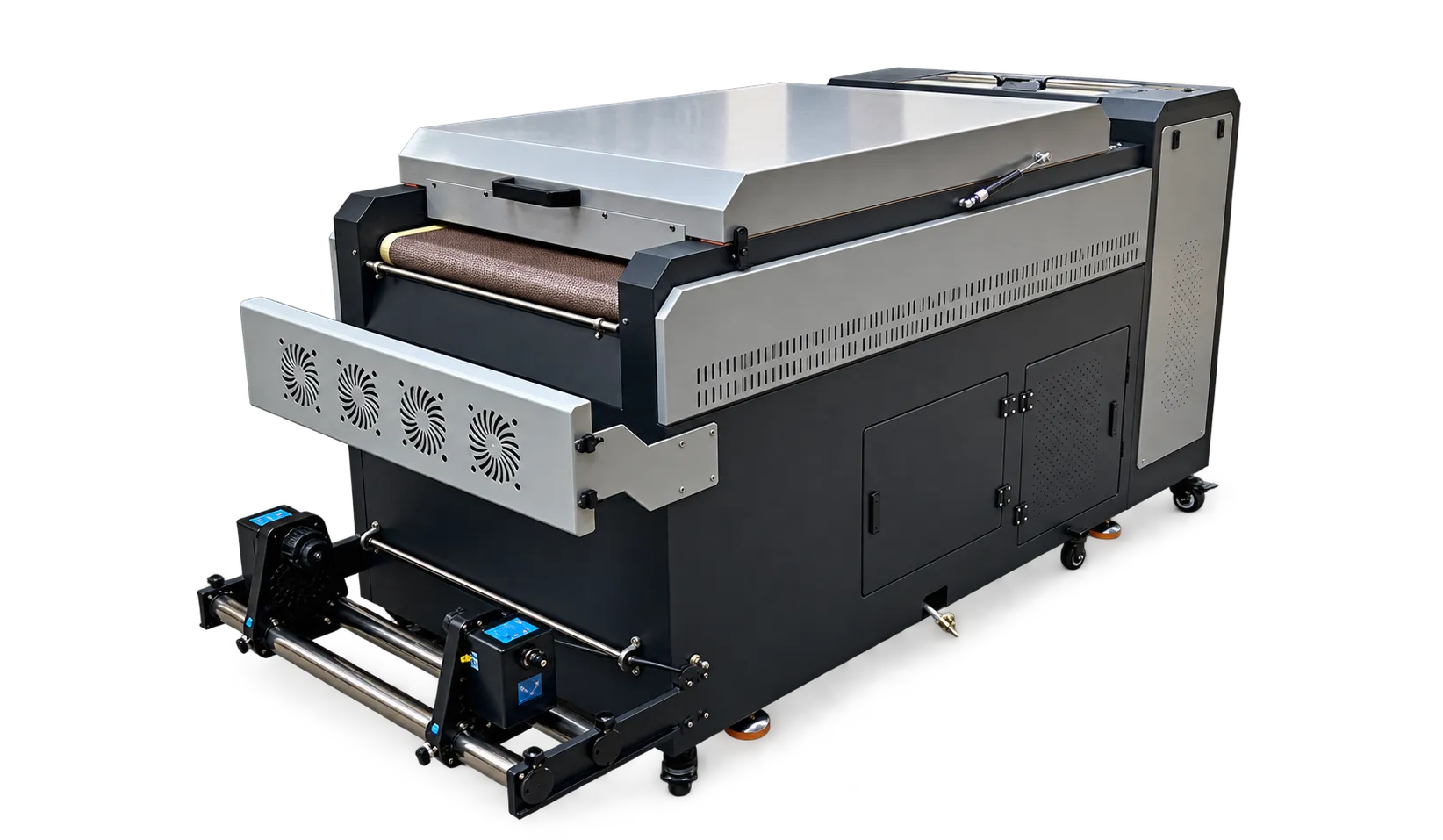
Check the physical handoff
Confirm the film path, entry height, tension control and usable width between machines. A roll that moves reliably through the printer can still wrinkle at an awkward handoff. Ask the supplier to demonstrate loading, stopping and restarting the complete line with the intended film.
Test the bottleneck
Run a file with light and heavy coverage. Observe whether powder coverage and curing remain consistent across the film, including edges. Document the operating settings supplied for the exact ink, film and powder combination. A quoted printer speed is not proof that the complete line can deliver that speed.
Production checklist
Use these checkpoints to prepare a trial or discuss the configuration with your supplier. Record the result for each item before approving a production change.
- Film width compatibility
- Stable film tracking at the handoff
- Consistent powder coverage
- Accepted transfer quality after pressing
Can I choose a shaker using width alone?
Width is only the first check. Test the full workflow and confirm usable speed, powder handling, curing capacity and machine compatibility with the supplier.
Authoritative references and further reading
The following primary sources provide related background. Instructions from other manufacturers apply to their named systems and are not PrintVision settings, endorsements or certification claims.
- Epson: DTG and DTFilm printing applications ↗
Manufacturer background on garment printing applications; not a PrintVision operating manual.
Discuss your application with our factory team.
Share your material, artwork size, order mix and target output so we can review a suitable configuration.
Explore related equipmentContact PrintVision