DTF printing
DTF Film Selection: What to Test Before Buying a Roll
Select DTF film by testing print quality, powder release, peeling behavior and the finished transfer on your garments. Film descriptions alone do not establish compatibility.
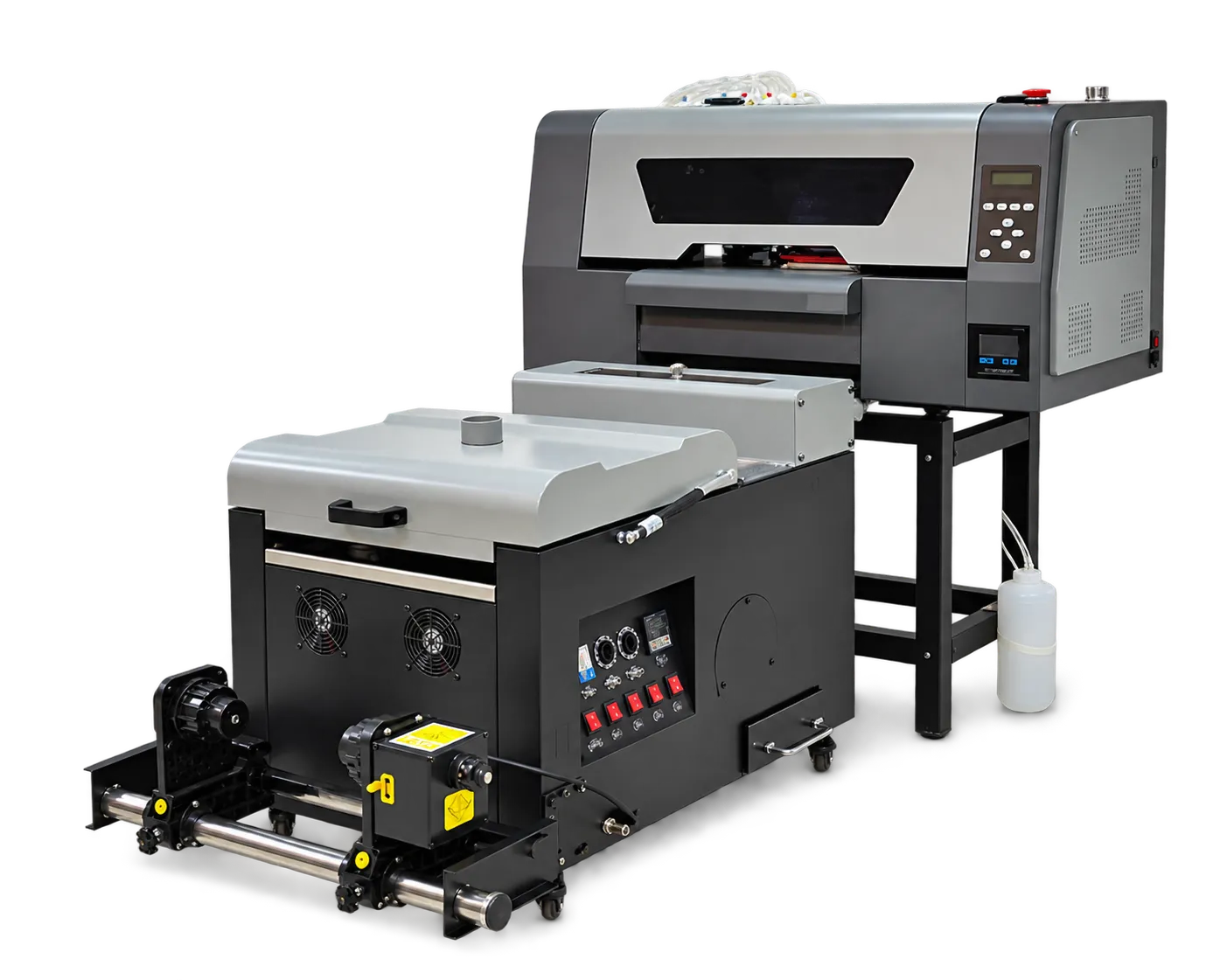
Make a controlled comparison
Print the same test file on candidate films using supplier-approved settings. Include fine lines, gradients, white areas and large solids. Label the roll lot and keep all other variables stable. Inspect handling before and after curing rather than judging only the unpressed image.
Validate the finished transfer
Follow the film supplier’s stated peel procedure and check edge definition, surface finish and unwanted residue. Retain pressed and unpressed samples for comparison. If you change film, repeat approval rather than assuming the old settings remain suitable.
Production checklist
Use these checkpoints to prepare a trial or discuss the configuration with your supplier. Record the result for each item before approving a production change.
- Film lot and storage record
- Compatible ink and powder
- Documented peel procedure
- Pressed sample approval
Are all hot-peel films interchangeable?
No. Peel timing, handling and compatibility can vary. Approve the exact film with your ink, powder, curing process and garment before production.
Authoritative references and further reading
The following primary sources provide related background. Instructions from other manufacturers apply to their named systems and are not PrintVision settings, endorsements or certification claims.
- Epson: DTG and DTFilm printing applications ↗
Manufacturer background on garment printing applications; not a PrintVision operating manual.
Discuss your application with our factory team.
Share your material, artwork size, order mix and target output so we can review a suitable configuration.
Explore related equipmentContact PrintVision