Factory sourcing
Comparing Printer Quotations on a Like-for-Like Basis
Compare configuration and scope before comparing totals. Two quotations with the same printer category may include different software, finishing, support and delivery responsibilities.
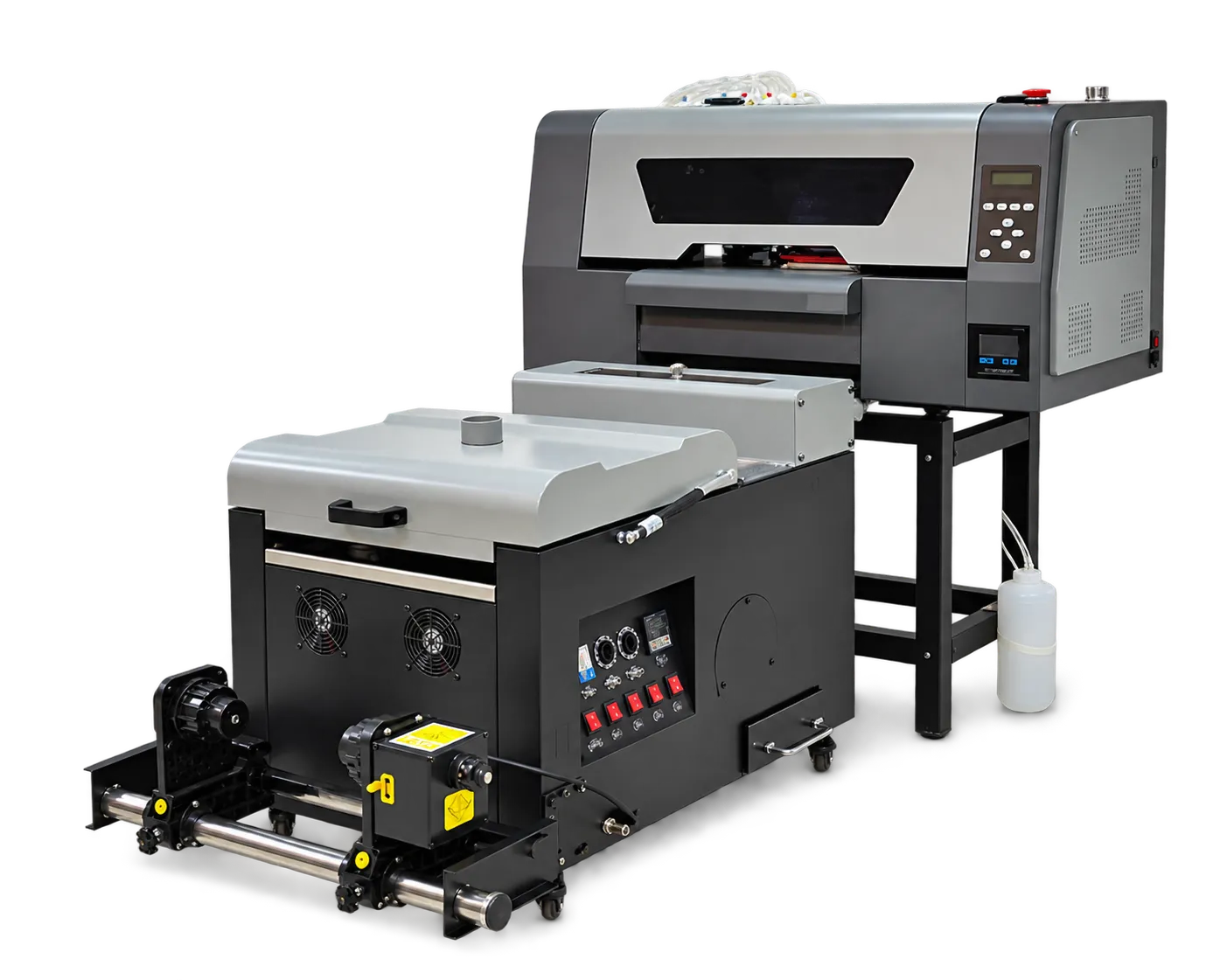
Normalize the scope
Create rows for the machine, print configuration, accessories, software, consumables, training and support. Ask suppliers to identify exclusions and optional items. Keep unsupported assumptions out of the comparison sheet.
Evaluate operating fit
Review sample results, accepted output and the service process alongside price. Confirm delivery terms and any destination costs with the relevant providers. An attractive purchase figure can still be a poor fit when essential finishing or support is missing.
Production checklist
Use these checkpoints to prepare a trial or discuss the configuration with your supplier. Record the result for each item before approving a production change.
- Matched configuration
- Inclusions and exclusions
- Sample and output evidence
- Delivery and support responsibilities
Can I compare quotations using model names alone?
No. Configuration and included services can vary. Compare an explicit scope and the output you need to produce.
Authoritative references and further reading
The following primary sources provide related background. Instructions from other manufacturers apply to their named systems and are not PrintVision settings, endorsements or certification claims.
- Fogra: digital printing process control ↗
Independent background on objective evaluation and process reliability; not a claim that PrintVision holds this certification.
Discuss your application with our factory team.
Share your material, artwork size, order mix and target output so we can review a suitable configuration.
Explore related equipmentContact PrintVision