DTF printing
Preparing DTF Artwork for Clean Edges and Repeat Orders
Prepare DTF artwork at its intended print dimensions and review transparency, fine detail and underbase behavior before production. Keep an approved output file separate from editable originals.
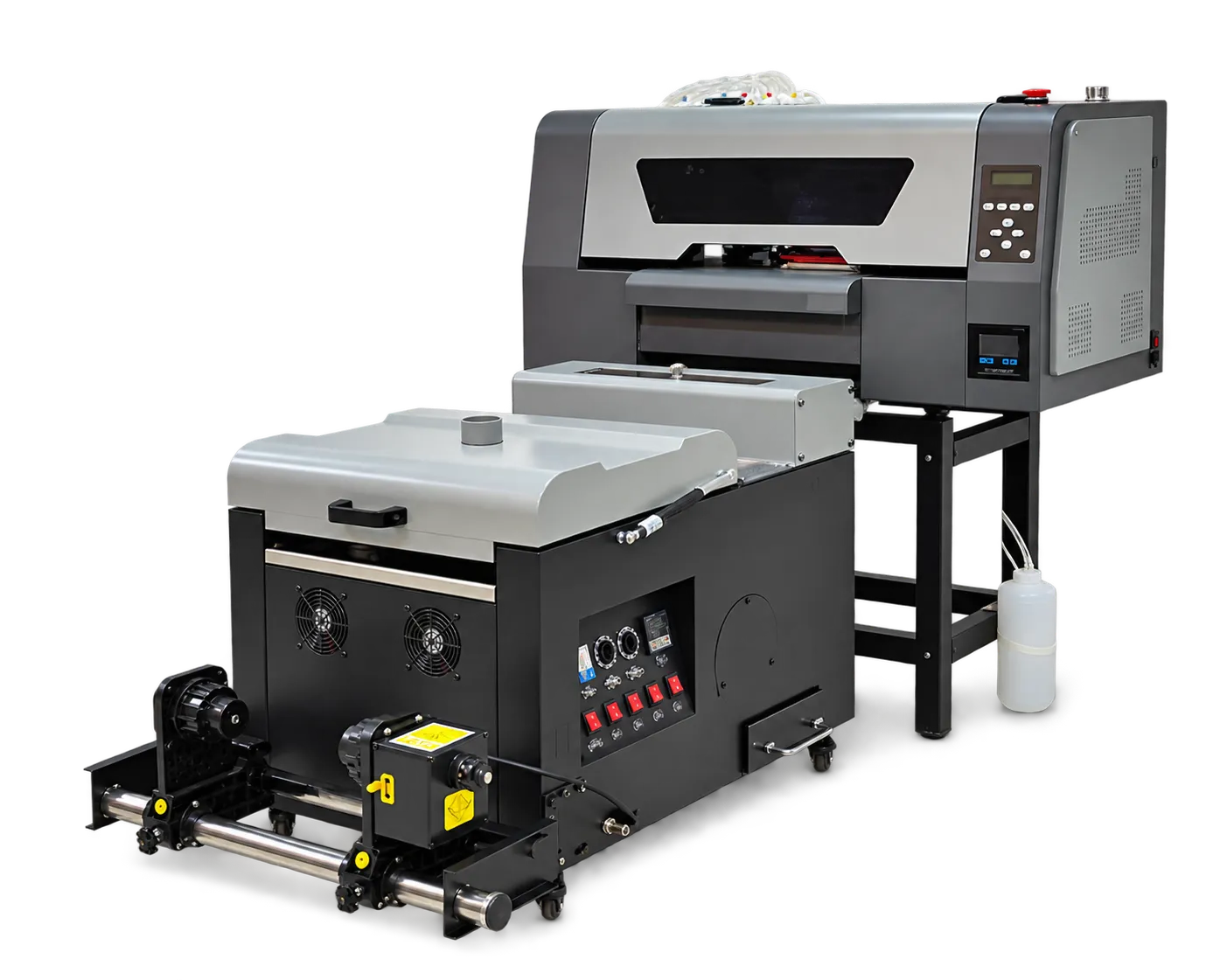
Check the production file
Confirm dimensions, spelling, transparent backgrounds and any customer-specified colors. Inspect the design at output size rather than judging it only on a zoomed screen. Identify thin strokes and partially transparent effects that may need a physical proof.
Make approval reproducible
Record the artwork revision, RIP preset, print mode and consumable system used for the approved sample. Give the customer a clear description of size and placement. When the design changes, treat it as a new revision rather than overwriting the approved production record.
Production checklist
Use these checkpoints to prepare a trial or discuss the configuration with your supplier. Record the result for each item before approving a production change.
- Final print dimensions
- Transparency and fine-detail review
- Artwork revision identification
- Physical sample for critical designs
Does a sharp screen preview guarantee a sharp transfer?
No. Output size, source quality, RIP processing and physical transfer behavior all matter. A real-size proof is the useful approval reference.
Authoritative references and further reading
The following primary sources provide related background. Instructions from other manufacturers apply to their named systems and are not PrintVision settings, endorsements or certification claims.
- International Color Consortium: profile information ↗
Primary reference hub for ICC profiles and color-management concepts.
Discuss your application with our factory team.
Share your material, artwork size, order mix and target output so we can review a suitable configuration.
Explore related equipmentContact PrintVision