DTF printing
How to Validate DTF Curing Without Guessing Settings
Start from the consumable supplier’s documented curing window and verify the result through pressing and garment testing. The displayed oven setting alone does not prove a transfer is ready.
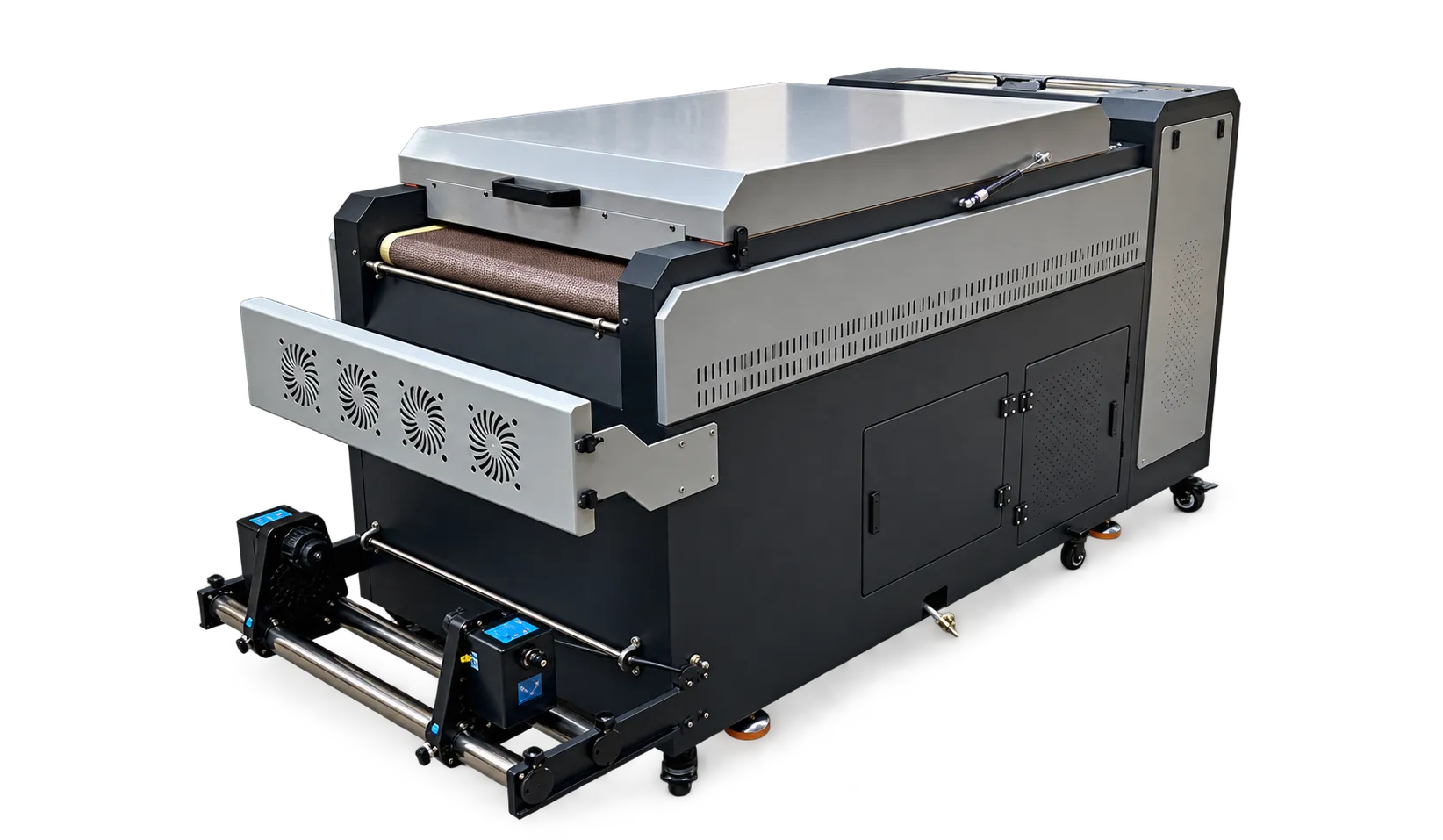
Record a repeatable setup
Identify ink, film and powder lots, line speed and the supplied curing settings. Run a test sheet at the start of a trial and record changes. Keep coverage and film loading comparable when assessing consistency across the working width.
Approve performance after pressing
Inspect the transfer after applying it according to the garment and consumable instructions. Retain reference samples and note visible residue, edge behavior and changes after the agreed care test. Escalate failures with a complete process record rather than increasing heat by guesswork.
Production checklist
Use these checkpoints to prepare a trial or discuss the configuration with your supplier. Record the result for each item before approving a production change.
- Supplier curing instructions
- Line speed and setting record
- Cross-width sample inspection
- Final garment performance check
Is one curing temperature suitable for every DTF line?
No. Required conditions depend on the consumable system and equipment. Obtain instructions for the exact combination and validate them with finished samples.
Authoritative references and further reading
The following primary sources provide related background. Instructions from other manufacturers apply to their named systems and are not PrintVision settings, endorsements or certification claims.
- Epson: DTG and DTFilm printing applications ↗
Manufacturer background on garment printing applications; not a PrintVision operating manual.
Discuss your application with our factory team.
Share your material, artwork size, order mix and target output so we can review a suitable configuration.
Explore related equipmentContact PrintVision