DTF printing
Troubleshooting DTF Peeling and Transfer Release
When a DTF transfer releases poorly, first verify the film’s peel instructions and the recorded pressing process. Separate a release issue from a garment adhesion issue.
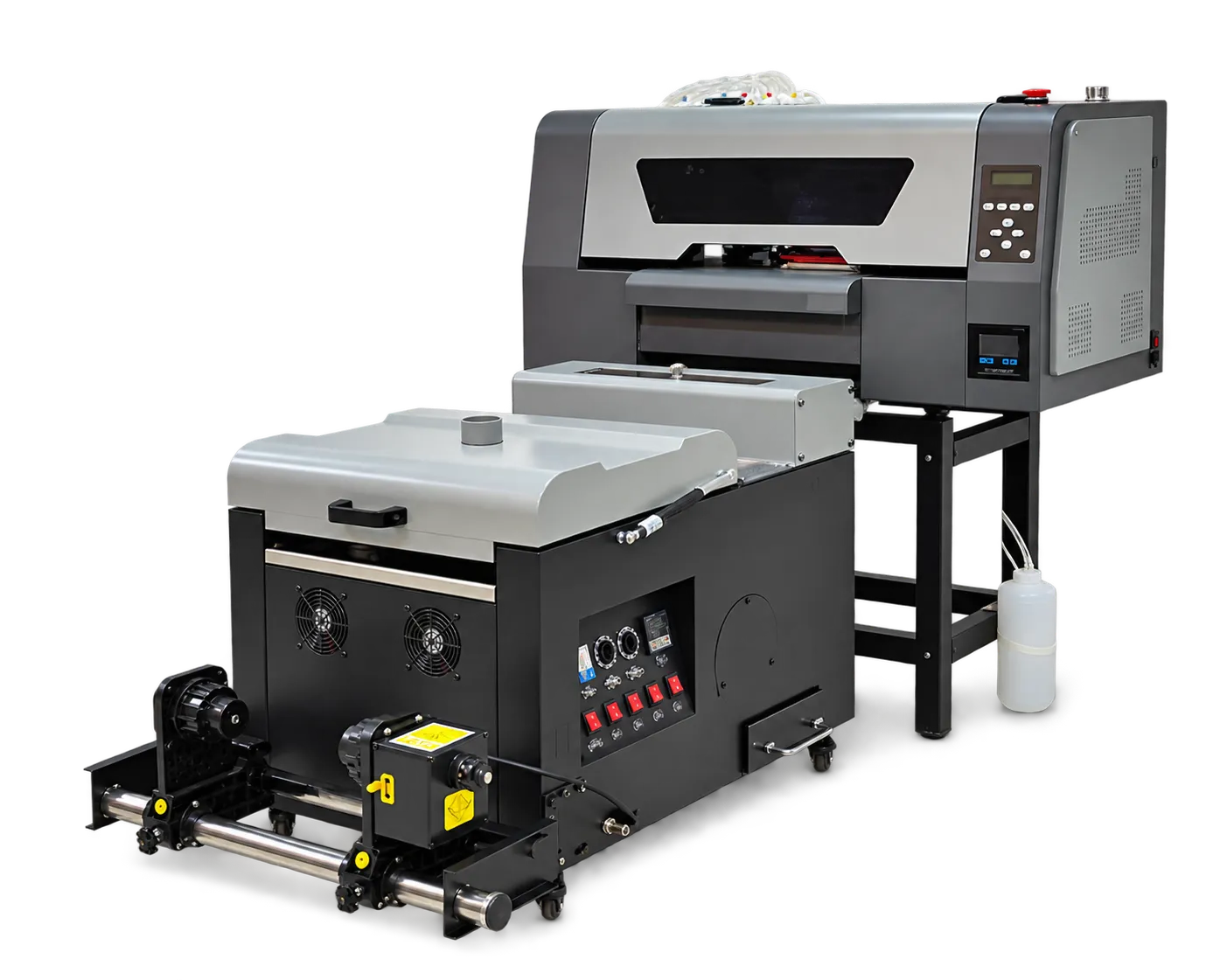
Describe the failure precisely
Photograph whether ink remains on the film, a design lifts from the garment or fine details break away. Note when the failure appears and whether it affects the entire sheet or only selected areas. Record the film lot and the actual garment used.
Change one variable per trial
Repeat the supplier’s approved process with a fresh, identified sample. Check press consistency and avoid treating a display reading as proof of conditions across the platen. If release improves, repeat the trial before approving production. Preserve failed samples to support diagnosis.
Production checklist
Use these checkpoints to prepare a trial or discuss the configuration with your supplier. Record the result for each item before approving a production change.
- Peel method confirmed
- Failure photographed
- Press process recorded
- One-variable comparison retained
Should I peel earlier whenever a transfer sticks?
Only follow the instructions for the exact film. Different film systems require different handling, and an arbitrary timing change can obscure the original problem.
Authoritative references and further reading
The following primary sources provide related background. Instructions from other manufacturers apply to their named systems and are not PrintVision settings, endorsements or certification claims.
- Epson: DTG and DTFilm printing applications ↗
Manufacturer background on garment printing applications; not a PrintVision operating manual.
Discuss your application with our factory team.
Share your material, artwork size, order mix and target output so we can review a suitable configuration.
Explore related equipmentContact PrintVision