DTF printing
DTF White Underbase: Balancing Coverage and Detail
Approve the white underbase on the final garment, not just on film. The right setup should preserve artwork edges while providing the intended color appearance.
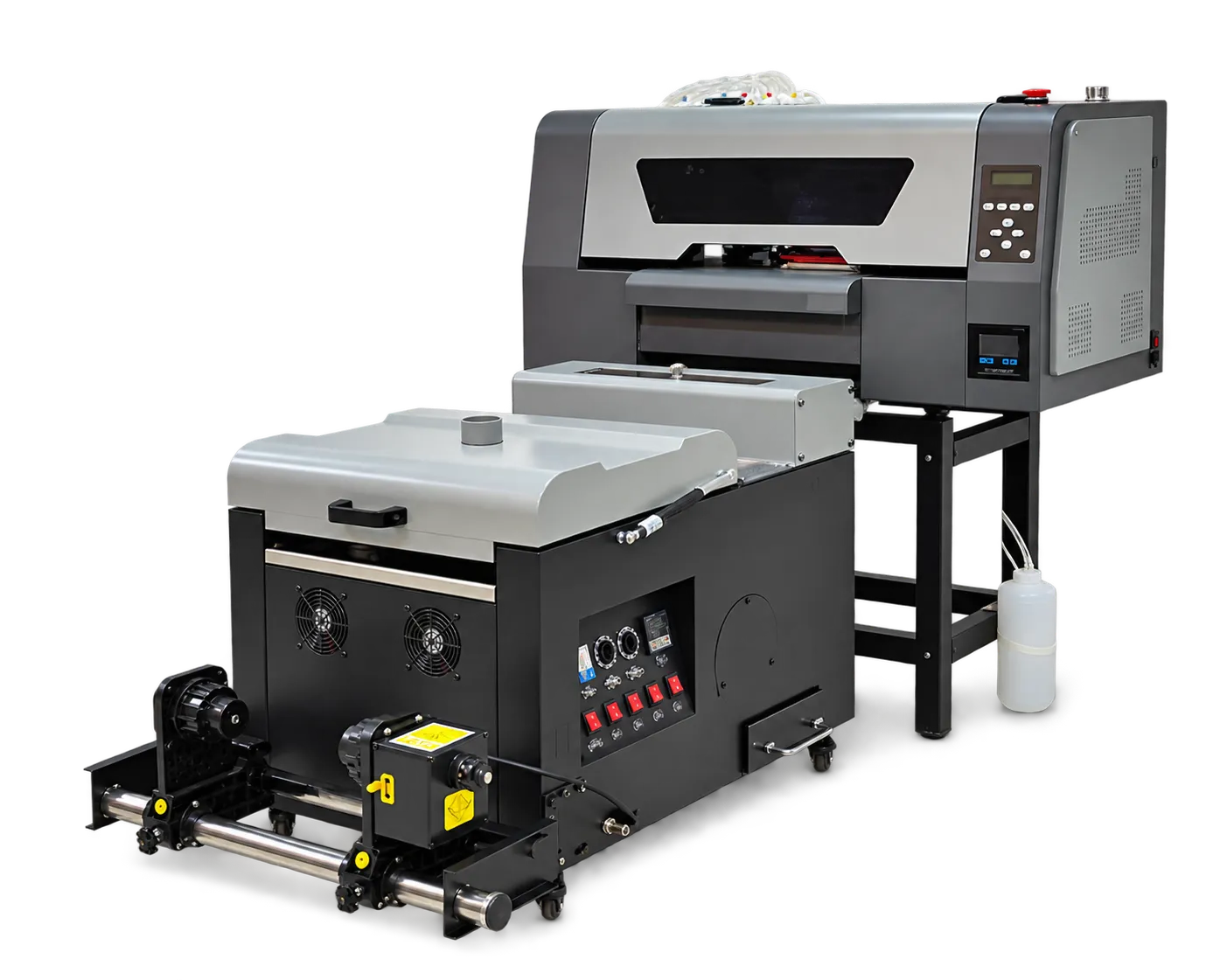
Use artwork that reveals problems
Build a trial sheet containing fine lettering, isolated shapes, gradients and solid color areas. Inspect alignment between color and white layers. Where the RIP supports underbase adjustment, keep a record of the chosen setting and avoid changing several controls at once.
Evaluate on the destination fabric
Press the approved sheet on the actual garment color and fabric. Compare opacity, feel and edge appearance under consistent viewing conditions. Save the file and RIP preset together so a repeat order does not rely on memory.
Production checklist
Use these checkpoints to prepare a trial or discuss the configuration with your supplier. Record the result for each item before approving a production change.
- Fine detail and solid-area test
- Color-to-white registration
- Final garment approval
- Saved underbase preset
Should every artwork use the same white coverage?
Not necessarily. Use validated presets for your consumables and garment types, then test artwork with unusual transparency, edges or coverage before committing a full run.
Authoritative references and further reading
The following primary sources provide related background. Instructions from other manufacturers apply to their named systems and are not PrintVision settings, endorsements or certification claims.
- Fogra: TextileRGB research project ↗
Research context for digital textile color communication and test forms.
Discuss your application with our factory team.
Share your material, artwork size, order mix and target output so we can review a suitable configuration.
Explore related equipmentContact PrintVision