Factory sourcing
OEM and ODM Printer Projects: Defining the Scope
Clarify what customization changes and what remains a standard product. Branding, packaging and engineering changes require different approval steps and responsibilities.
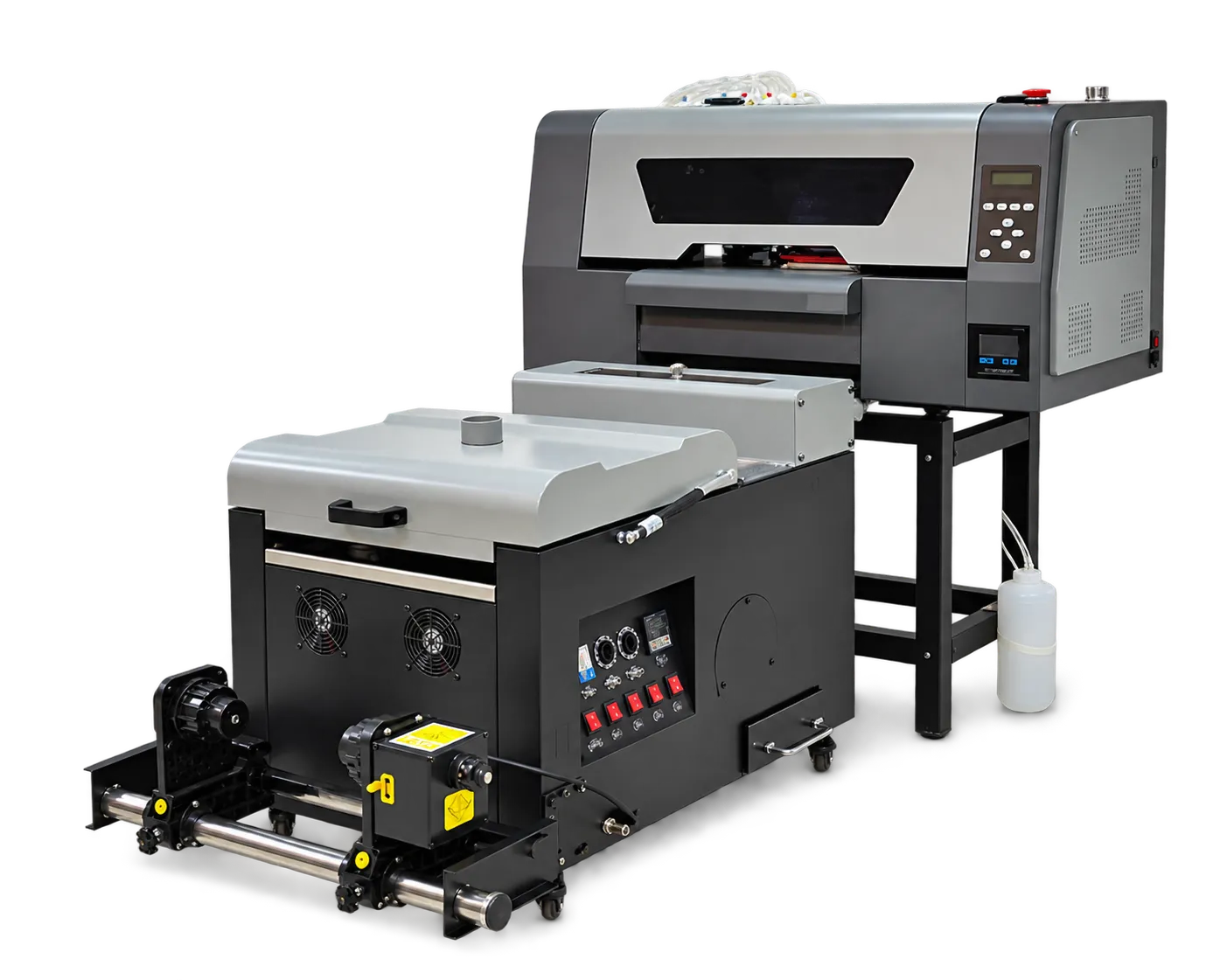
Separate the requested changes
List labels, appearance, language, accessories, software and any proposed mechanical or electrical changes individually. Ask the manufacturer to confirm feasibility, support implications and validation requirements. Do not assume a logo change includes a new technical specification.
Agree revision control
Approve artwork and technical changes against identifiable revisions. Confirm the final bill of supplied items and documents before production. Keep distributor-facing claims aligned with the tested configuration and the documentation provided for it.
Production checklist
Use these checkpoints to prepare a trial or discuss the configuration with your supplier. Record the result for each item before approving a production change.
- Customization list
- Feasibility and validation
- Approved revisions
- Support and documentation scope
Does OEM always mean the machine is technically redesigned?
No. The term can cover different scopes. Define the actual branding or engineering work and its validation in the project agreement.
Authoritative references and further reading
The following primary sources provide related background. Instructions from other manufacturers apply to their named systems and are not PrintVision settings, endorsements or certification claims.
- Fogra: digital printing process control ↗
Independent background on objective evaluation and process reliability; not a claim that PrintVision holds this certification.
Discuss your application with our factory team.
Share your material, artwork size, order mix and target output so we can review a suitable configuration.
Explore related equipmentContact PrintVision