Factory sourcing
A Practical Printing Equipment Installation Handover
Installation handover should confirm the installed configuration, operator understanding and an agreed reference print. It is more than unpacking and powering on the equipment.
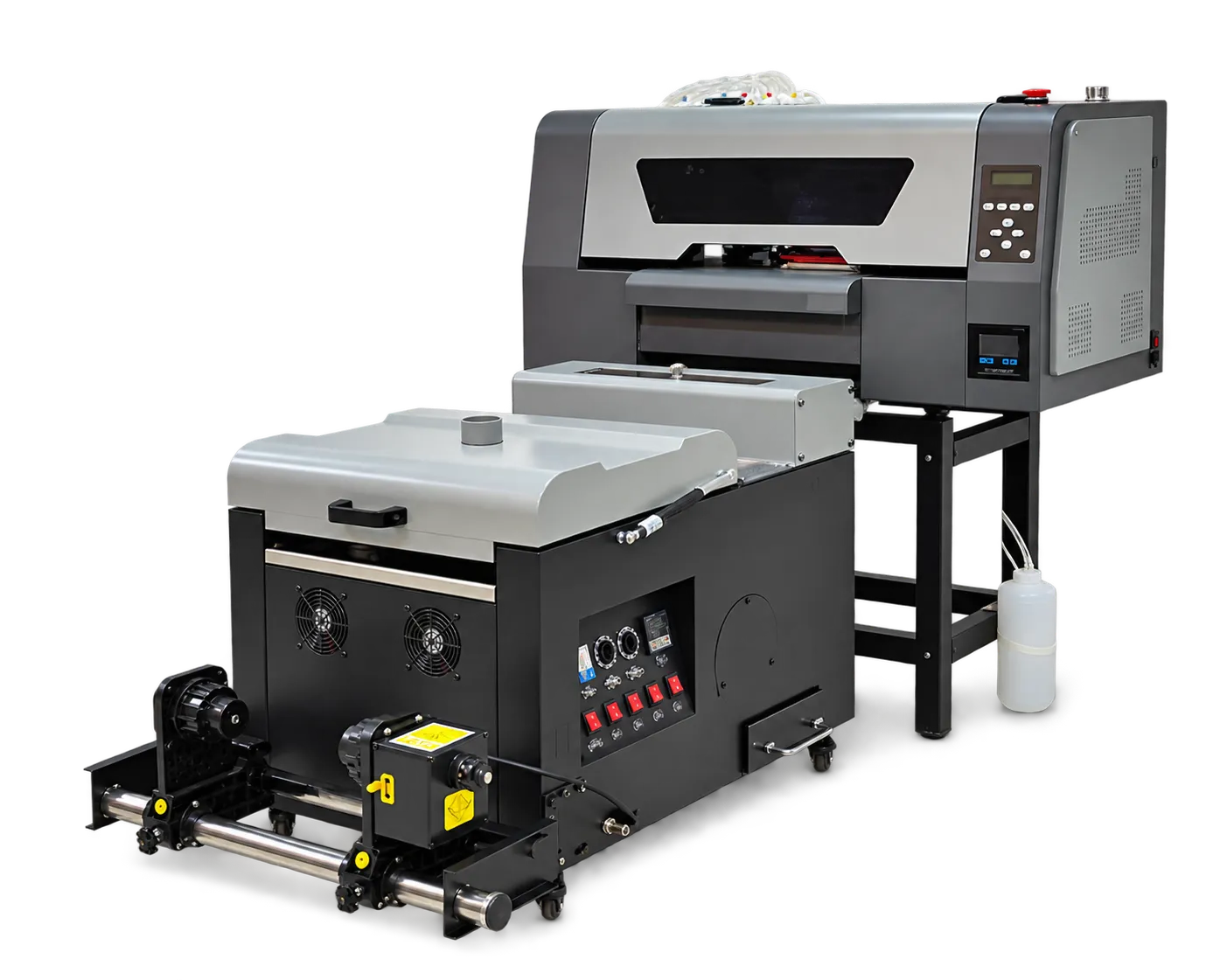
Check the supplied system
Match the equipment and accessories to the packing list and purchase scope. Confirm the site meets the supplier’s installation instructions. Keep transport damage and missing-item records separate from production setup questions.
Demonstrate normal operation
Have the operator run the supported startup, job preparation and shutdown workflow with guidance. Save a reference file and output, along with contact details and documentation. Record outstanding training or service actions before considering handover complete.
Production checklist
Use these checkpoints to prepare a trial or discuss the configuration with your supplier. Record the result for each item before approving a production change.
- Packing list reconciliation
- Site requirements confirmed
- Operator workflow demonstration
- Reference print and action list
Does successful power-on prove production readiness?
No. Confirm setup, operator procedures and an accepted output sample on the installed configuration.
Authoritative references and further reading
The following primary sources provide related background. Instructions from other manufacturers apply to their named systems and are not PrintVision settings, endorsements or certification claims.
- Epson SureColor F2270: official user guide ↗
A model-specific example of documented garment-printer workflows. Follow your own machine manual for settings.
Discuss your application with our factory team.
Share your material, artwork size, order mix and target output so we can review a suitable configuration.
Explore related equipmentContact PrintVision