Factory sourcing
Planning Spare Parts for a Printing Business
Build a spare-parts plan from the exact machine configuration, supplier recommendations and expected support lead times. A generic kit may not fit your installed system.
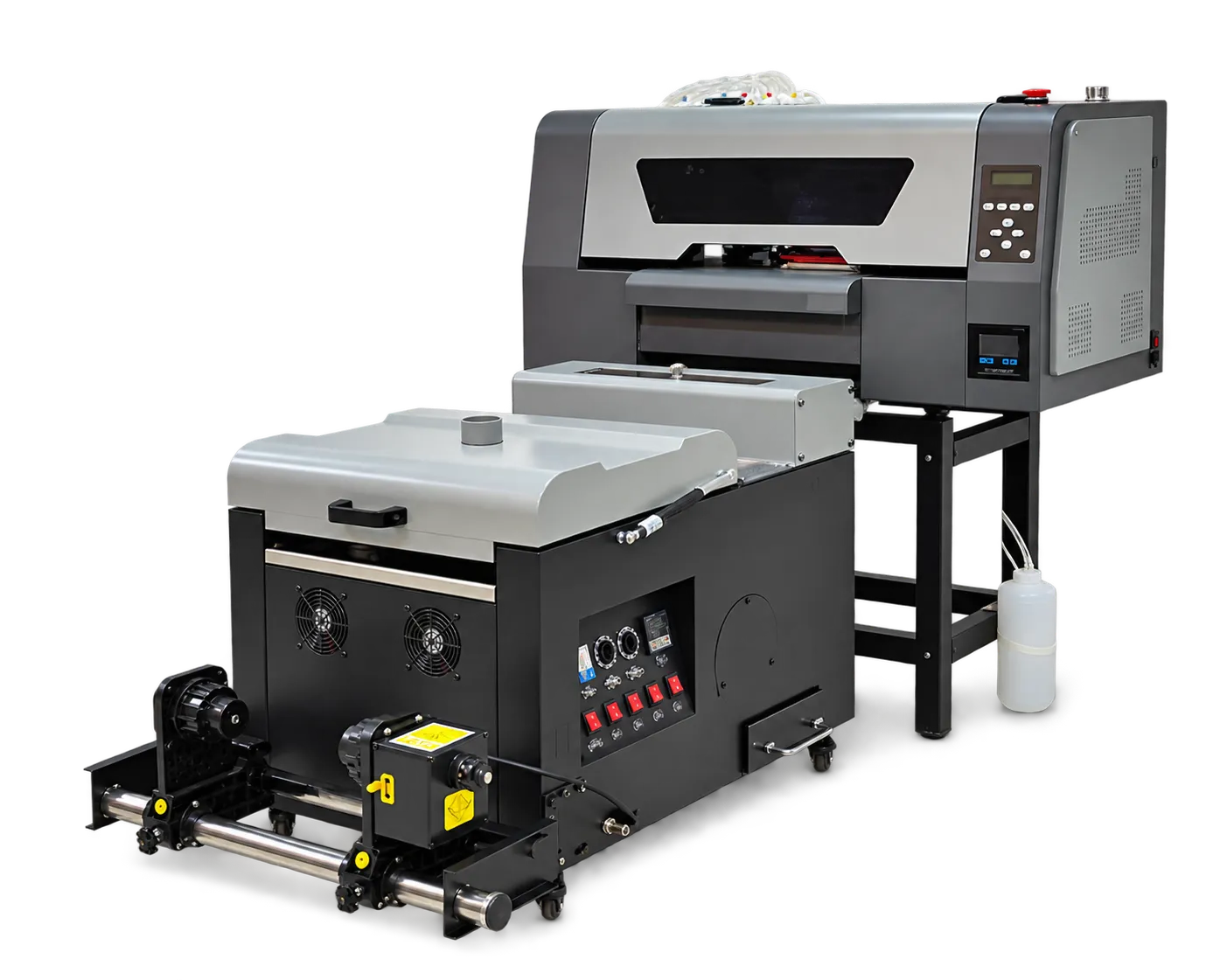
Identify compatible parts
Request part numbers, supported revisions and any installation restrictions. Separate operator-replaceable consumables from work that requires trained service. Keep the machine serial and configuration accessible when ordering.
Balance stock with downtime
Discuss likely service needs, delivery times and storage instructions with the supplier. Keep an inventory log and inspect expiry or storage limits where applicable. Revisit the plan when equipment or consumables change rather than buying a large unsorted collection.
Production checklist
Use these checkpoints to prepare a trial or discuss the configuration with your supplier. Record the result for each item before approving a production change.
- Machine-specific part numbers
- Replacement responsibility
- Lead-time review
- Stock and storage record
Can parts be selected by printer appearance?
No. Use verified part numbers and machine configuration. Similar-looking components can differ in compatibility or revision.
Authoritative references and further reading
The following primary sources provide related background. Instructions from other manufacturers apply to their named systems and are not PrintVision settings, endorsements or certification claims.
- Epson SureColor F2270: official user guide ↗
A model-specific example of documented garment-printer workflows. Follow your own machine manual for settings.
Discuss your application with our factory team.
Share your material, artwork size, order mix and target output so we can review a suitable configuration.
Explore related equipmentContact PrintVision