Factory sourcing
When to Add Another Printer to a Production Line
Expand after measuring the actual constraint. Additional print capacity will not resolve delays caused by preparation, finishing, inspection or staffing.
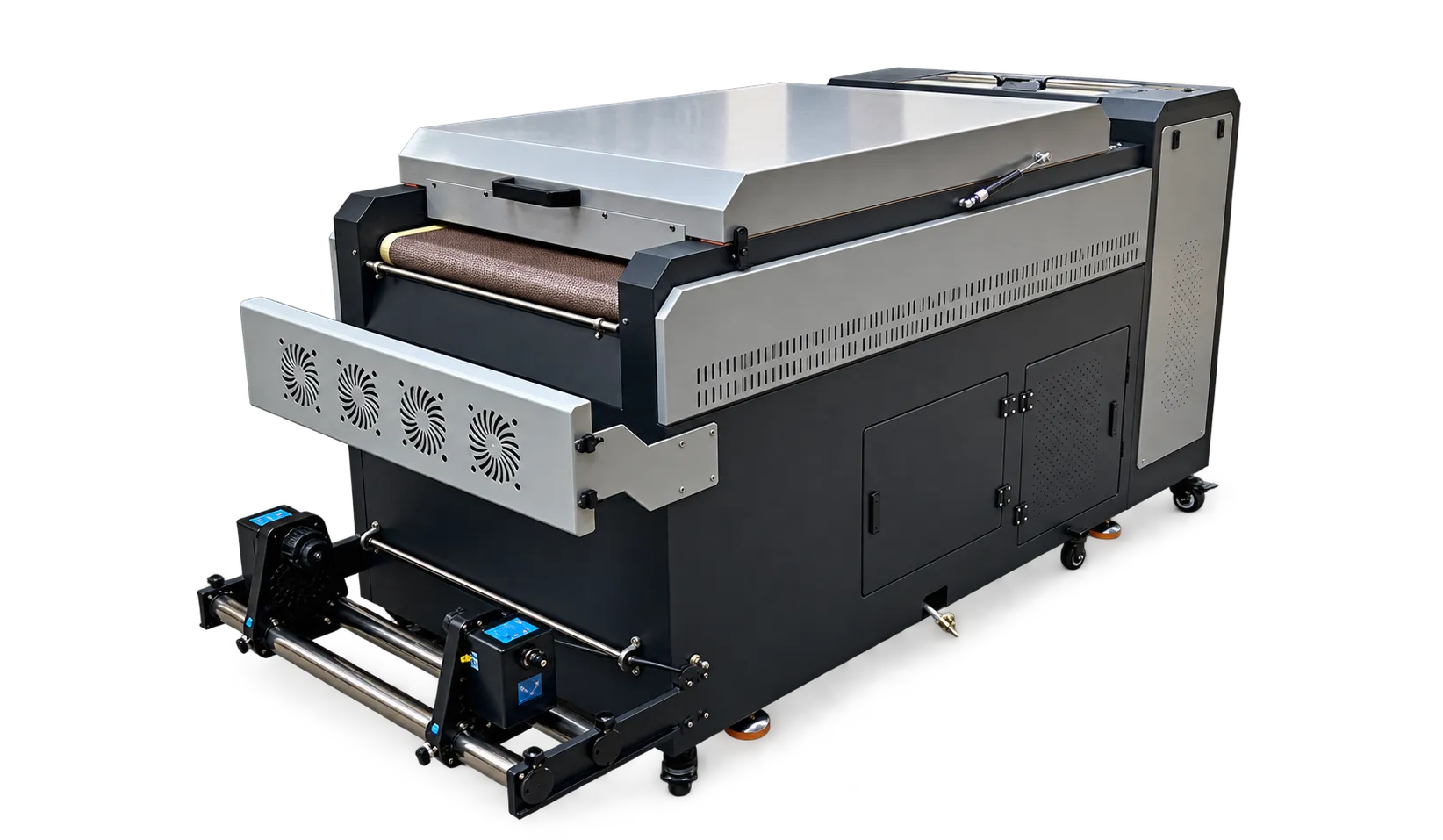
Record queue locations
Track several representative production days and note where work waits. Separate rush-order disruption from sustained demand. Review machine utilization alongside rejected output and operator availability rather than relying on one unusually busy day.
Test the proposed improvement
Estimate accepted output with the new configuration and verify downstream capacity. Consider servicing access, training, consumable stock and backup planning. Expand the stage that improves delivery performance while preserving the approved quality level.
Production checklist
Use these checkpoints to prepare a trial or discuss the configuration with your supplier. Record the result for each item before approving a production change.
- Representative demand record
- Measured bottleneck
- Downstream capacity
- Space and operator plan
Does a full order book always justify a larger printer?
Not necessarily. Measure where time is lost first. Better scheduling or finishing capacity may address the immediate constraint.
Authoritative references and further reading
The following primary sources provide related background. Instructions from other manufacturers apply to their named systems and are not PrintVision settings, endorsements or certification claims.
- Fogra: digital printing process control ↗
Independent background on objective evaluation and process reliability; not a claim that PrintVision holds this certification.
Discuss your application with our factory team.
Share your material, artwork size, order mix and target output so we can review a suitable configuration.
Explore related equipmentContact PrintVision