Factory sourcing
How to Prepare a Useful Remote Printer Support Request
Send the machine identity, symptom, check results and recent changes in one organized report. Useful evidence helps support distinguish equipment, material and workflow problems.
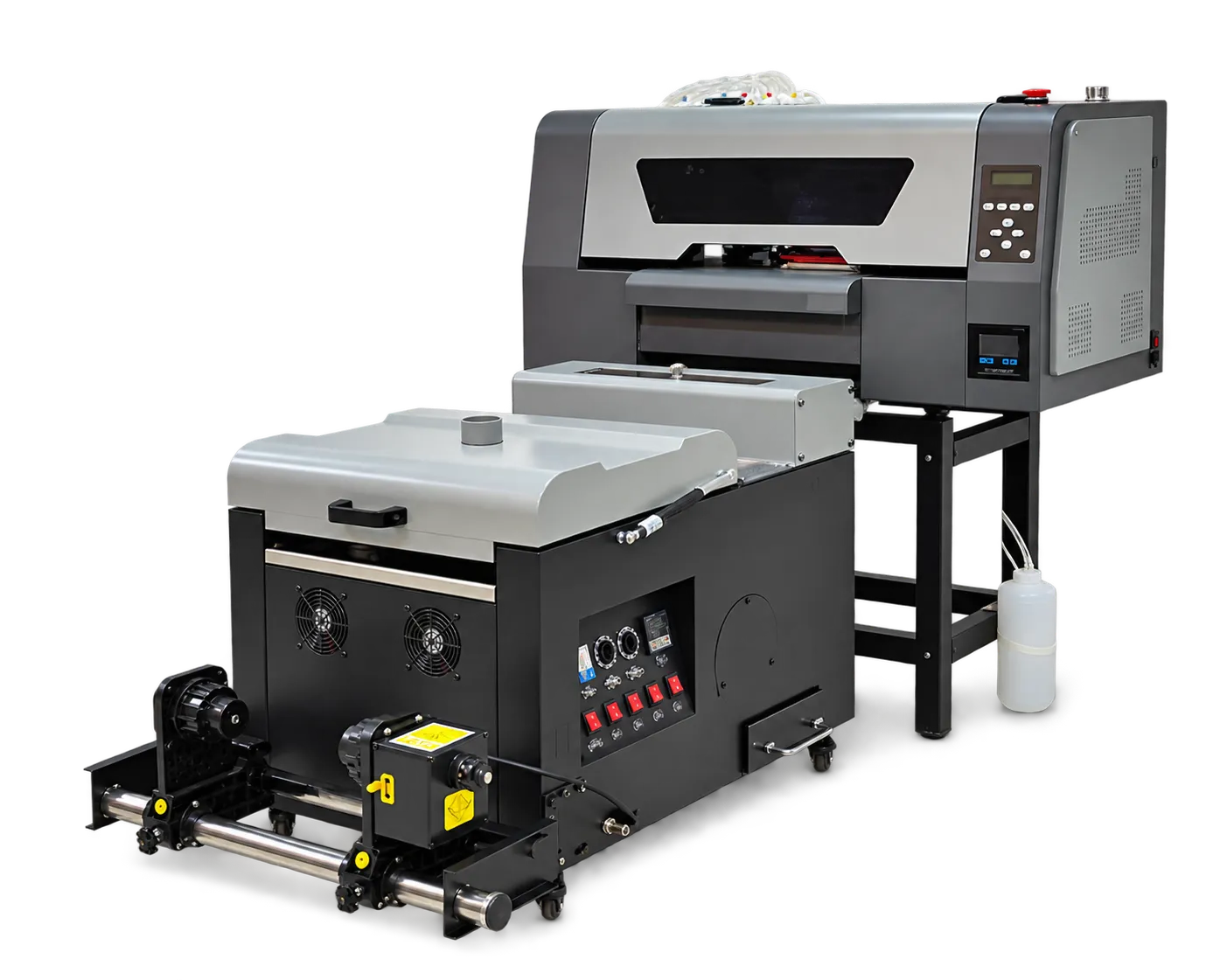
Describe what happened
Record when the symptom began, which jobs are affected and whether it is repeatable. Include clear photographs, the relevant diagnostic pattern and error messages. State any changes in material, settings or maintenance before the fault appeared.
Keep troubleshooting controlled
Follow the support team’s approved sequence and document each result. Avoid making several unrelated adjustments between messages. Protect customer files and credentials when sharing information, and agree the scope of any remote access separately.
Production checklist
Use these checkpoints to prepare a trial or discuss the configuration with your supplier. Record the result for each item before approving a production change.
- Model and serial number
- Symptom and diagnostic evidence
- Recent change list
- Actions and outcomes
Should I send only a message saying print quality is bad?
A photo, nozzle pattern and setup details provide a much better starting point. Describe the symptom and what changed.
Authoritative references and further reading
The following primary sources provide related background. Instructions from other manufacturers apply to their named systems and are not PrintVision settings, endorsements or certification claims.
- Epson: maintenance menu and nozzle checks ↗
Reference for nozzle-check terminology and maintenance functions on the named Epson model.
Discuss your application with our factory team.
Share your material, artwork size, order mix and target output so we can review a suitable configuration.
Explore related equipmentContact PrintVision