UV printing
Choosing a UV Flatbed Printer: Bed Size and Usable Area
Choose the bed around finished objects, fixture space and loading access. Nominal bed dimensions do not show how many saleable objects fit in a production cycle.
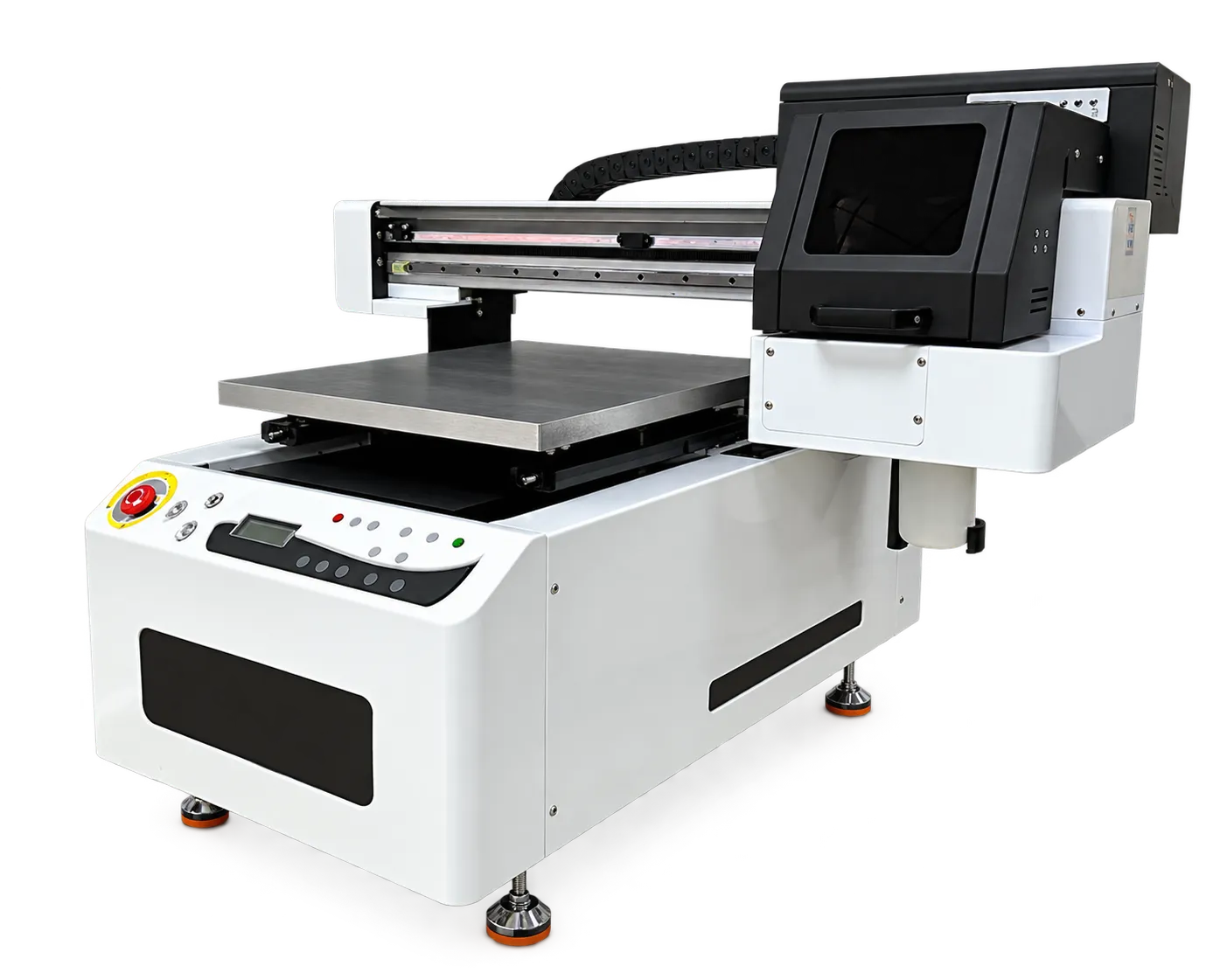
Include fixtures in the layout
Draw the objects, supports, registration features and safe working clearances on a bed plan. Consider whether an operator can load each position without disturbing neighboring objects. Confirm the usable printing area and height restrictions with the equipment supplier.
Time a representative batch
Ask for a demonstration that includes loading, alignment, printing and unloading. Record accepted pieces and reject causes. If your work mixes small objects and large panels, compare changeover time as well as machine capacity before choosing the larger bed.
Production checklist
Use these checkpoints to prepare a trial or discuss the configuration with your supplier. Record the result for each item before approving a production change.
- Object and fixture footprint
- Usable print area confirmed
- Loading access evaluated
- Accepted pieces per complete cycle
Can I use every part of the nominal bed?
Not always. Fixtures, margins, height limits and handling access can reduce useful capacity. Confirm the working area for your actual objects.
Authoritative references and further reading
The following primary sources provide related background. Instructions from other manufacturers apply to their named systems and are not PrintVision settings, endorsements or certification claims.
- Roland DG: flatbed UV printing guide ↗
General technology and application background from a UV printer manufacturer.
Discuss your application with our factory team.
Share your material, artwork size, order mix and target output so we can review a suitable configuration.
Explore related equipmentContact PrintVision