UV printing
Using White Ink on Clear Materials in UV Printing
Specify viewing direction, transparency and layer order before printing white on clear materials. The approved sample should be viewed in the same orientation as the finished product.
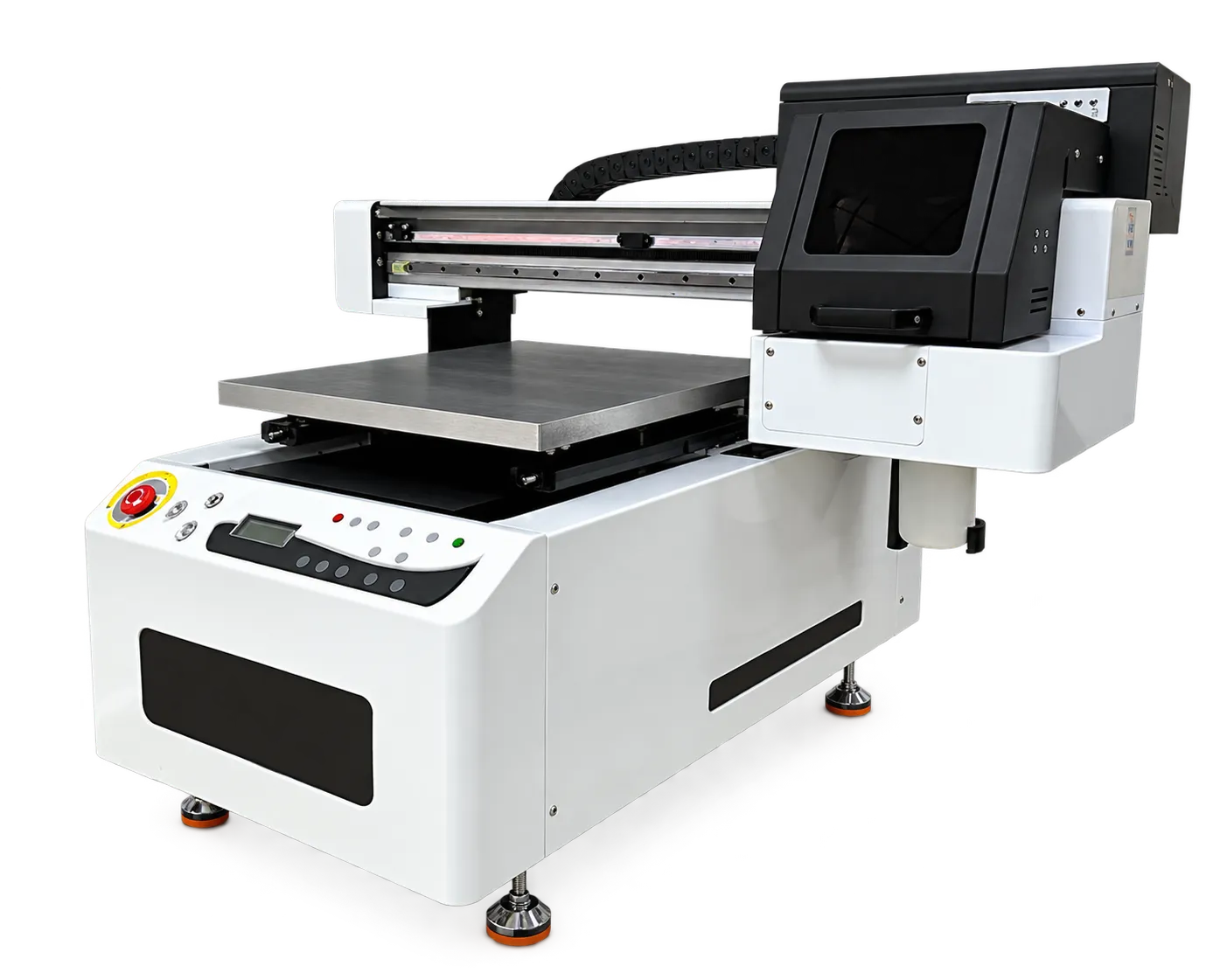
Define how the object will be seen
A clear panel may be viewed through the material or from the printed side. State whether a design needs opaque areas, transparent windows or double-sided viewing. Prepare artwork and layer instructions that make these choices explicit.
Approve color and registration
Print a test with fine detail, white edges and large color areas. Examine alignment and apparent color with the intended background and lighting. Save the layer recipe with the job file so a later repeat does not reverse the design or change opacity.
Production checklist
Use these checkpoints to prepare a trial or discuss the configuration with your supplier. Record the result for each item before approving a production change.
- Viewing side specified
- Mirroring decision recorded
- White and color layer recipe
- Sample checked against final background
Can a clear-material print be judged on a white desk?
That is only one viewing condition. Evaluate against the intended installation background, especially when transparency and white coverage are part of the design.
Authoritative references and further reading
The following primary sources provide related background. Instructions from other manufacturers apply to their named systems and are not PrintVision settings, endorsements or certification claims.
- Roland DG: flatbed UV printing guide ↗
General technology and application background from a UV printer manufacturer.
Discuss your application with our factory team.
Share your material, artwork size, order mix and target output so we can review a suitable configuration.
Explore related equipmentContact PrintVision