UV printing
Designing UV Printing Jigs for Repeatable Placement
A useful UV jig locates objects consistently without creating new height or clearance problems. Validate it with the real object variation found in production.
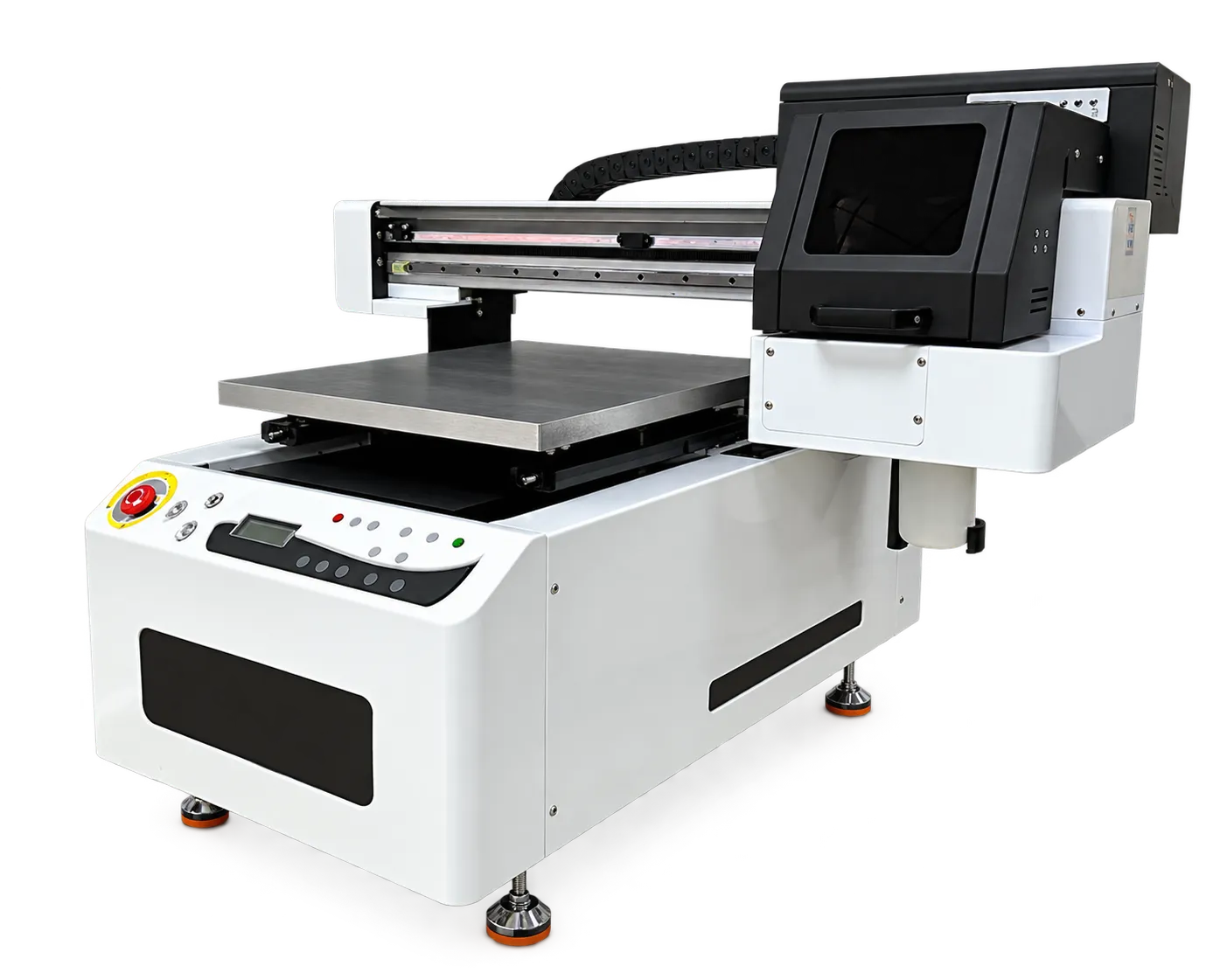
Locate from repeatable features
Choose object edges or features that remain consistent across batches. Mark orientation and loading positions clearly. Include room for the operator to remove parts without touching fresh prints or shifting adjacent items.
Validate the complete setup
Check fixture height and stability with the machine supplier before printing. Run several loading cycles and compare position repeatability. Save the jig revision and artwork template together; even a small fixture change can alter registration.
Production checklist
Use these checkpoints to prepare a trial or discuss the configuration with your supplier. Record the result for each item before approving a production change.
- Repeatable locating features
- Orientation marks
- Height and clearance verification
- Jig revision linked to artwork
Can a jig eliminate all placement variation?
No. Object tolerances, loading technique and artwork registration still matter. A jig should be tested across representative production parts.
Authoritative references and further reading
The following primary sources provide related background. Instructions from other manufacturers apply to their named systems and are not PrintVision settings, endorsements or certification claims.
- Roland DG: flatbed UV printing guide ↗
General technology and application background from a UV printer manufacturer.
Discuss your application with our factory team.
Share your material, artwork size, order mix and target output so we can review a suitable configuration.
Explore related equipmentContact PrintVision